A new campaign should not begin with a queue of small website requests. We set up AI-assisted content workflows around your CMS, approved designs and editorial process, so your team can prepare updates with more confidence and less repetitive work.
We start with a repeated task your team already understands. The aim is a reliable workflow around your content, not an assistant with unrestricted access to the whole website.
AI helps. Your team decides.
Prepare changes with AI, then review the result before publishing.
Illustrative service example
Prepare pages from approved sections
Turn a campaign brief into a draft using the layouts, fields and content types already agreed for your site. Your team can check the message and preview the page before publishing. A new layout or custom interaction still goes through design and development.
Adapt and organise existing content
Prepare summaries, metadata and first-pass translations from approved material. Add instructions for tone, terminology and claims that must stay unchanged. A knowledgeable reviewer remains responsible for accuracy, particularly for translations and specialist subject matter.
Find work that needs attention
Use structured content to identify missing fields, inconsistent descriptions or pages that need review. We can connect selected tasks to notifications or an editorial queue. Suggestions should help the team prioritise, not trigger unchecked bulk changes to live content.
A model needs the right source material and a clearly bounded job. Your team needs to understand what it can change, where to review it and who can help when something does not look right.
Connect the CMS you actually use
Sanity offers Content Agent for working with structured content through conversation. Webflow provides AI and integration tools within its ecosystem. We check the relevant plan, permissions and content model before proposing native tools or a custom connection. Availability and usage charges depend on the chosen setup.
Build in approval and recovery
Agree which content can be read, which fields can be drafted and who can publish. Test on representative content before widening access. We document version history or recovery options and keep a normal editing route available when the AI tool is unavailable or produces an unsuitable result.
Practise with your own website
Handover uses real tasks from your team, not just a generic prompt sheet. You receive instructions for common jobs, examples of outputs to reject and a clear support boundary. We can pair the setup with ongoing maintenance for layout changes, integrations and technical fixes.
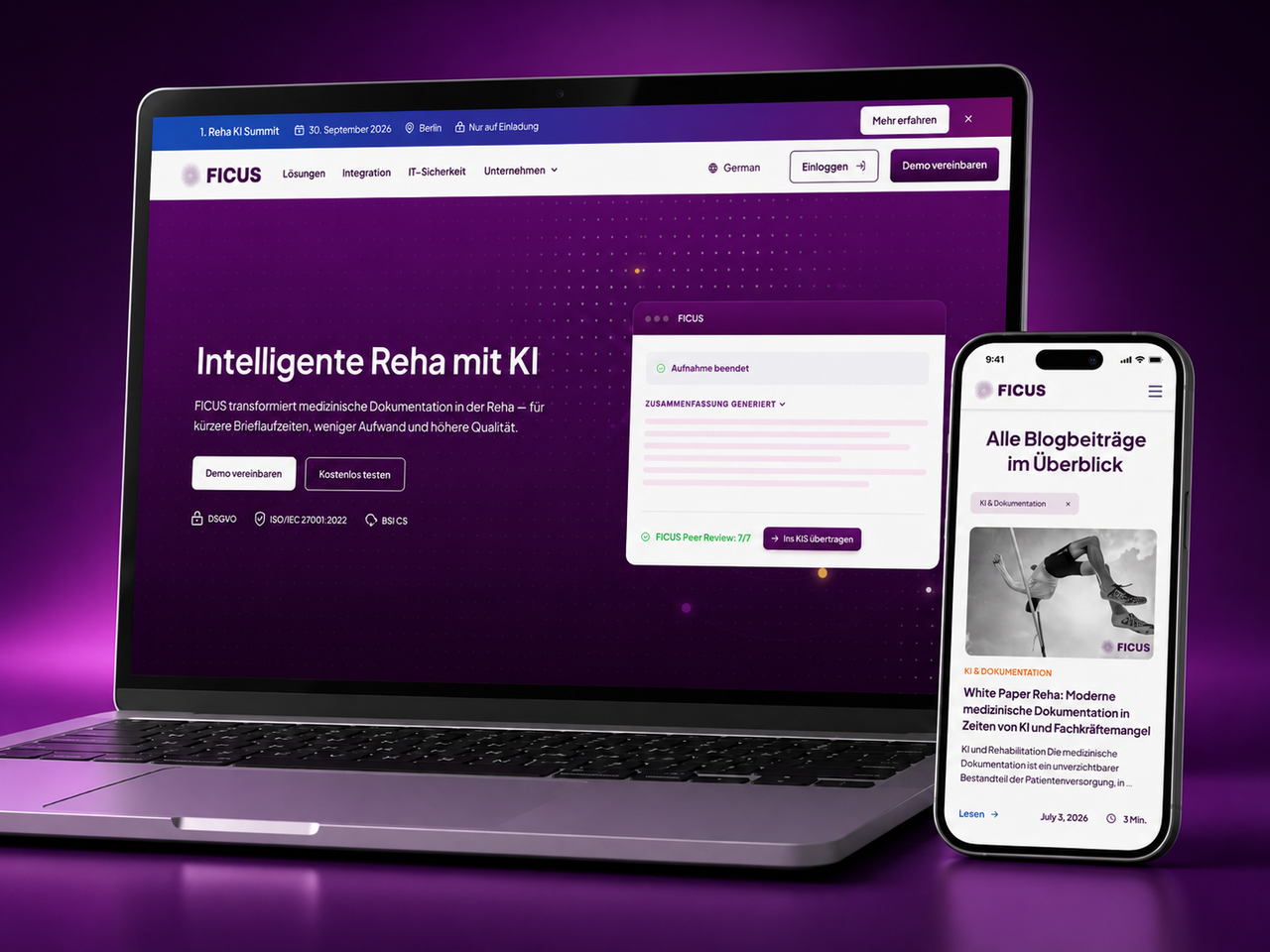
Our Unmind work demonstrates reusable Webflow components and connected content workflows. Ficus Health demonstrates an editable, multilingual marketing site. These are examples of the foundations behind a manageable website, not claims that either client uses our AI-management service.
Hilvy made our vision a reality. They're simply brilliant website developers. They remained patient throughout and gave us valuable training on Webflow, upskilling our team. If you're a start up or scale up, look no further!
Ben LeftleySenior Delivery Manager at Unmind
The details worth asking about
A few useful answers.
Can I update my website by describing what I want?
For the content tasks configured in your workflow, that can be possible. We define the supported fields, page sections and actions first. Natural-language editing is not a promise that any requested design or feature change can be made safely without a developer.
Does AI publish changes automatically?
Our starting point is draft, preview and human approval. Any automatic publication would need a separately agreed, narrow use case with appropriate permissions and checks. Your team should always understand what is allowed to go live.
Do we need a new website or CMS?
Not necessarily. We review your existing CMS, content structure and available integrations. Sometimes improving fields, templates and permissions is enough. If a migration is worthwhile, it is scoped separately with attention to existing URLs, content and editorial access.
Can AI maintain the whole website for us?
No. Content assistance does not replace responsibility for security, dependencies, integrations, accessibility or design changes. We keep those responsibilities explicit and can provide human-led website maintenance alongside the AI-assisted workflow.
What does an AI content-management setup cost?
It depends on the number of workflows, CMS integration, approval requirements and training. We separate setup work from model usage, software subscriptions and optional ongoing support. Start with one repeatable task so there is something concrete to evaluate.
What happens if we stop using the AI tool?
The website should remain editable through its normal CMS. We document the integration and account ownership, identify any provider dependencies and explain how the workflow can be paused or removed. Export and version-history options depend on the platform.