



Leads and customer context
Connect forms, campaign attribution and CRM fields so the sales team receives a usable record, not just an email alert.
 Start your project
 Your website is one part of the process. We connect Webflow forms, content and customer journeys to the tools your team already uses, with a clear data flow and a handover you can understand.
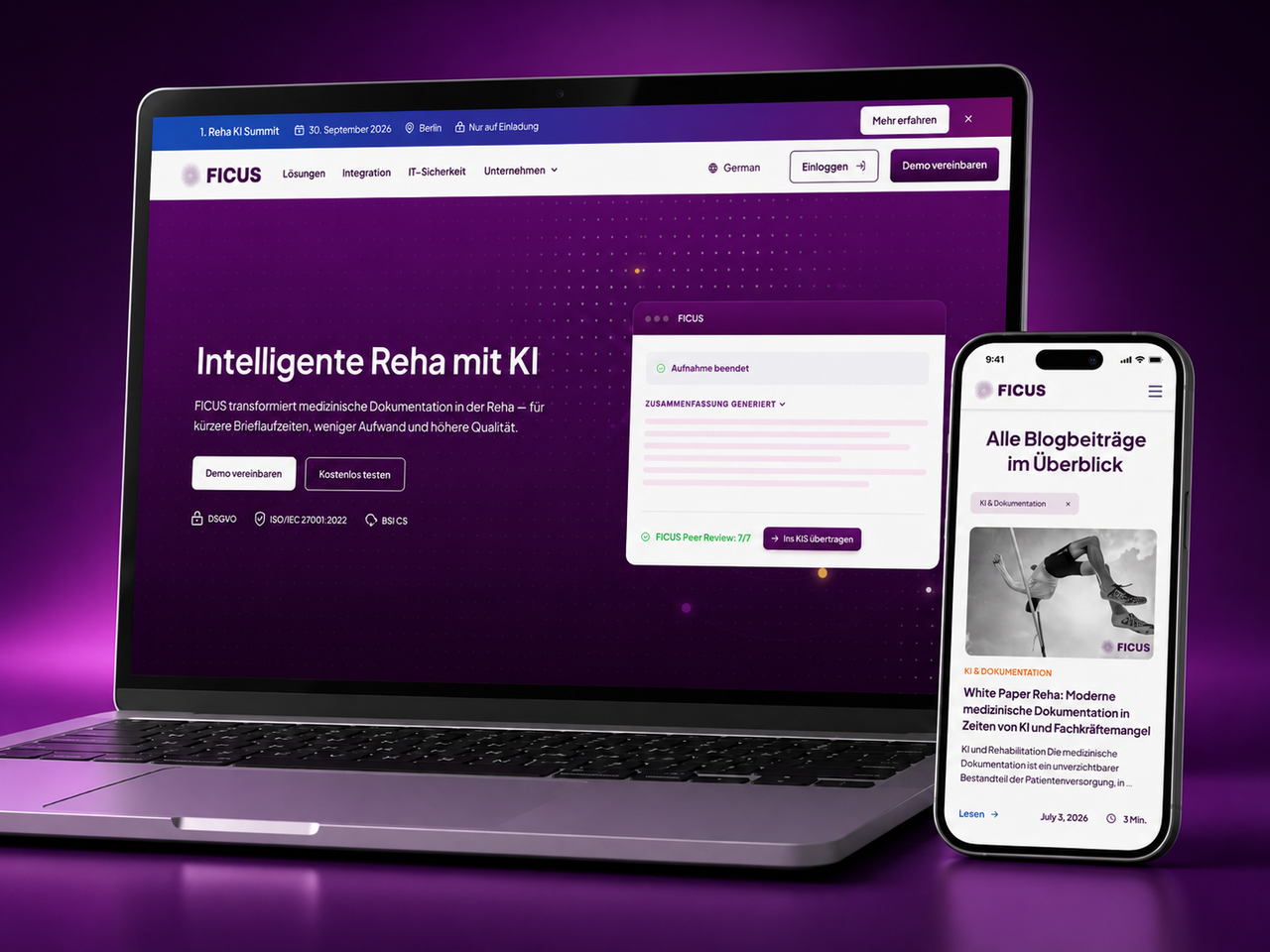
Telecoms World connects website enquiries with call tracking and HubSpot. Unmind includes connected forms and workflows. Ficus Health combines Webflow content with Weglot localisation. Each project has a different purpose and implementation.
These case studies describe the integrations delivered for each client; they are not a claim that every system is included in a standard package.
Branch a workflow around the information received, including exceptions that need a person.
Connect forms, campaign attribution and CRM fields so the sales team receives a usable record, not just an email alert.
Plan how CMS content, translations, jobs or other external data arrive and stay current without unmanaged copying.
Test failed submissions, duplicates, consent, access and ownership, then document how the integration is monitored and changed.
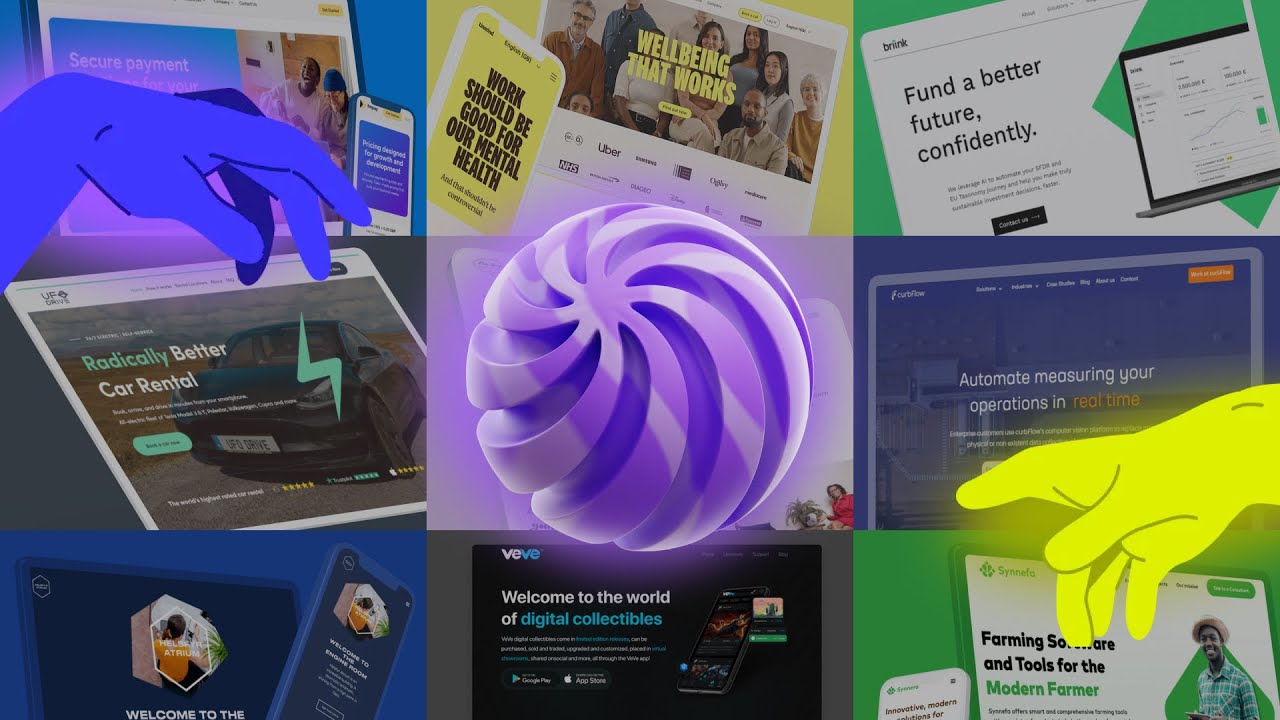
A short look at the websites we design and build.
We define the data contract and failure path before wiring up automation.
Agree what should trigger the flow, which fields may move, where they go and who owns each system.
Use native integration, automation or a custom API where each is appropriate, with the least access needed.
Check normal submissions, missing fields, duplicates, failures and consent, then provide documentation and a support route.
Teams with CRM routing, localisation, external data, member journeys or custom workflows where accuracy and ownership matter beyond installing an app.
If a supported native integration already meets the need, we will use it. We do not add custom middleware just to make a simple connection look sophisticated.
Often, yes. We review the CRM, form fields, consent requirements, attribution and follow-up process. The route may use a native connector, automation platform or custom API, depending on the reliability and control required.
Yes, when an off-the-shelf connector cannot support the data or behaviour needed. We scope authentication, data mapping, error handling and maintenance before choosing a custom build.
Yes. We first trace the current flow, account access, recent failures and the expected outcome. A small configuration fix may be enough; larger changes need a tested plan so live leads or content are not lost.
We document the accounts, triggers, field mapping and failure path. Ownership and any monitoring or ongoing support are agreed in the project scope rather than assumed to be automatic.
Show us the form, content flow or system that needs connecting. We will map the practical route and its failure cases.