
Build around a customer task.
Use real screens, a worked example or a short demo to explain the job the product does. Keep setup requirements and important limits alongside the promise rather than hiding them until a call.
 Start your project
We turn a SaaS product into a website buyers can understand and a marketing team can keep improving. Show a real task, explain who the product suits and connect the right visitor to a demo, trial or useful resource.
A busy feature grid is not a product story. Help a buyer recognise their problem, see the workflow and understand what happens after they take the next step.
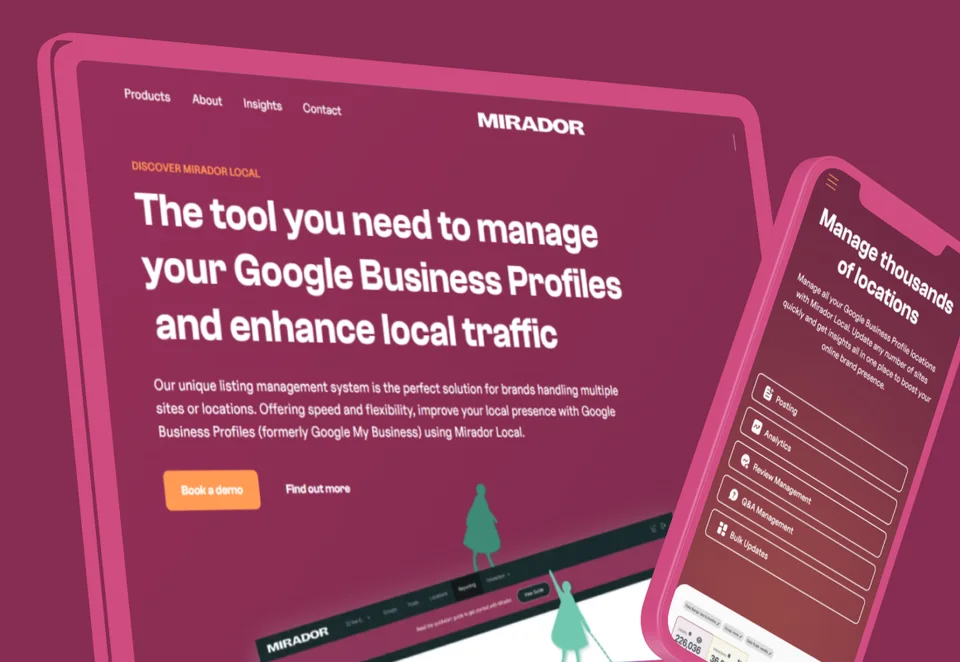
Use real screens, a worked example or a short demo to explain the job the product does. Keep setup requirements and important limits alongside the promise rather than hiding them until a call.
Model integration, use-case, customer-story and resource pages around useful source material. Reusable components let marketing launch a campaign without turning every page into a new design exception.
A product sign-up, a guided tour and an enterprise demo need different information. Scope fields, confirmation and CRM routing around the actual follow-up your team can deliver.
Connect the website to the tools your team already uses, with a clear plan for publishing and enquiries.
Reusable use cases, resources and campaign layouts with publishing rules your team understands.
Explore Webflow CMSMap demo context, routing and confirmation before connecting the public site to the sales process.
Explore Forms & CRMKeep application access and private product data in the appropriate stack; separately scope any product work.
Explore Product developmentBy Hilvy · Updated
Use a real workflow and an approved product account or recording.
Leave with: A product story with a demo asset, buying answers and a measurable next step.
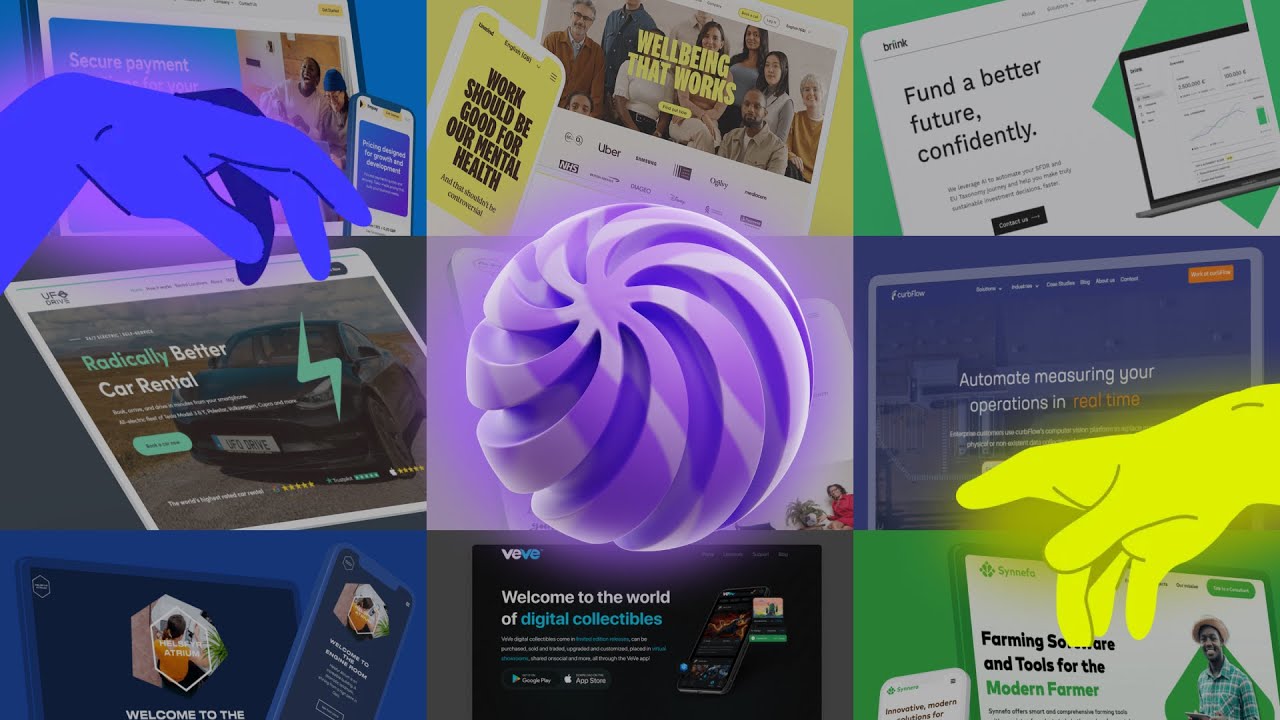
Download blank checklist (.md)No signup. Ticks are not sent to us. The download is a blank copy with space for owners and notes.A look at the websites we design and build.
This service concerns the public website, content system and agreed connections. Authentication, tenant data, billing and application functionality stay in the product unless a separate app-development brief is agreed.
Yes, where we define reusable components and CMS templates around meaningful content. Each page needs its own buyer question, supported facts and evidence; a template is not a reason to generate many near-identical pages.
We can review the message, product evidence, requested fields and receiving workflow together. We agree what a useful enquiry means and how to observe it.
Yes. One product page, an interactive-demo brief, a content model or the demo enquiry route can be a useful first scope. Existing search pages and working product routes are inventoried before a wider rebuild.
We can start with the page, demo or enquiry route that currently needs the most explanation.