
Designing with Webflow logo: tips and best practices
Understanding Webflow logo design
Your logo helps visitors recognise the brand on your website. This guide covers logo design and the practical choices involved in using it in Webflow.
Design principles
Webflow's logo design is based on the principles of simplicity, memorability, and timelessness. The logo is designed to be easy to recognize in any context, making it ideal for use across different media and platforms. The design is also distinctive, ensuring that the brand stands out in customers' minds. Additionally, the logo is designed to be relevant over the long term, evolving with logo design trends rather than following them.
Brand identity
The Webflow logo is an essential part of the brand identity, which includes the company's name, logo, and other visual elements. The logo is used across all of the company's marketing and promotional materials, including its website, social media, and advertising campaigns. The logo is also used to create a consistent visual identity, ensuring that customers can easily recognize the brand across different channels.
Logo design process
The logo design process for Webflow involved a team of designers who worked closely with the company's branding and marketing teams. The design team explored different concepts and ideas, focusing on simplicity and memorability. The final design was chosen based on its ability to represent the brand in a clear and concise manner.
What to take into your project
The Webflow logo is a key component of the company's brand identity, designed to be simple, memorable, and timeless. The logo design process involved a team of designers who worked closely with the branding and marketing teams to create a visual identity that represents the company's values and mission. The logo is used across all of the company's marketing and promotional materials, ensuring a consistent and recognizable brand identity.
Essential elements of logo design
Creating a successful logo is a important step in building a strong brand identity. A well-designed logo can help a brand stand out, communicate its values, and make a lasting impression on customers. When designing a logo with Webflow, there are several essential elements to keep in mind.
Colour considerations
Colour is a important aspect of logo design. It can evoke emotions and communicate a brand's personality. When choosing colours for a logo, you should consider the brand's values and target audience. A colour palette that works well for one brand may not be suitable for another. Additionally, you need to consider the context in which the logo will be used. For example, a logo that looks great on a website may not work well in print.
Typography in logo design
Typography is another critical element of logo design. The right font can help a logo stand out and communicate the brand's personality. When choosing a font, you should consider readability and legibility. A font that looks great on a computer screen may not be easy to read on a small mobile device. Additionally, custom fonts can add a unique touch to a logo, but you need to ensure that they are scalable and can be used across different platforms.
Importance of simplicity
Simplicity is key when it comes to logo design. A simple logo is easier to recognize and remember. You need to avoid clutter and unnecessary details that can detract from the logo's message. A simple logo can also be more versatile and easier to use across different platforms.
Vector logos and scalability
Vector logos are essential for scalability. A vector logo can be scaled up or down without losing quality, making it suitable for use across different platforms. You should design a logo in a vector format from the start to ensure that it can be used across different mediums.
Custom fonts in logo design
Custom fonts can add a unique touch to a logo. When using custom fonts, you need to ensure that they are scalable and legible across different platforms. Additionally, you should consider the licensing requirements for custom fonts and ensure that they can be used legally.
Timeless and versatile design
A logo should be timeless and versatile. A logo that looks great today may not be suitable for tomorrow. You need to consider the brand's values and target audience when designing a logo, but it's also important to ensure that the logo can stand the test of time. A versatile logo can be used across different platforms and contexts, making it more effective in communicating the brand's message.
When designing a logo with Webflow, you should consider colour, typography, simplicity, scalability, custom fonts, and timelessness. A well-designed logo can communicate a brand's values, stand out, and make a lasting impression on customers.
Webflow logo customisation
Webflow is a website designing tool that allows designers to create beautiful websites with ease. One of the key features of Webflow is its customisation options, including a way to edit the Webflow logo. In this section, we'll explore how to customise the Webflow logo and how to use templates in Webflow.
Logo editing options
Webflow offers several customisation options for its logo. You can upload their own logo to replace the Webflow logo, change the colour of the Webflow logo, or remove the Webflow logo altogether. To access these options, you can go to Site settings > Members tab > Branding and click on Upload logo.
Using templates in Webflow
Webflow offers a wide variety of templates that you can use to jumpstart their website design. Templates are pre-designed layouts with placeholder content that you can customise to fit their needs. To use a template in Webflow, you can go to the Templates tab and select the template they want to use. They can then edit the template to fit their brand and content.
Website layout and logo placement
When designing a website in Webflow, you should consider the layout and placement of the logo. The logo should be placed in a prominent location on the website, such as the top left corner. It should also be appropriately sized and fit in with the overall design of the website. You can adjust the logo size and placement by selecting the logo element in the Webflow Designer and adjusting the properties in the Style panel.
Webflow offers a variety of customisation options for its logo, as well as templates to jumpstart website design. When designing a website in Webflow, you should consider the layout and placement of the logo to ensure a cohesive and professional look.
Logo design for brand recognition
Logo design is an essential aspect of branding. A logo is the face of a brand, and it's the first thing people see when they interact with a brand. Therefore, you need to create a logo that leaves a lasting impression and accurately represents the brand's identity. In this section, we'll discuss the importance of logo design for brand recognition and how it can help businesses stand out from their competition and build trust with their audience.
First impressions and logo design
When it comes to branding, first impressions matter. A logo is the first thing people see when they interact with a brand, and it can make or break their perception of the brand. Therefore, you need to create a logo that accurately represents the brand's identity and leaves a lasting impression. A well-designed logo can help businesses create a positive first impression and attract potential customers.
Standing out from competition
In today's competitive market, you need to stand out from the competition. A well-designed logo can help businesses differentiate themselves from their competitors and create a unique identity. A logo that stands out from the competition can help businesses attract potential customers and build brand recognition.
Building trust with logo design
Trust is a important factor in building a successful brand. A well-designed logo can help businesses build trust with their audience. A logo that accurately represents the brand's identity and values can help businesses create a connection with their audience and build a loyal customer base. A logo that's consistent across all marketing channels can also help businesses build credibility and establish themselves as a trustworthy brand.
Logo design is an essential aspect of branding. A well-designed logo can help businesses create a positive first impression, stand out from the competition, and build trust with their audience. When designing a logo, you need to consider the brand's identity, design experience, content, and target audience to create a logo that accurately represents the brand's values and leaves a lasting impression.
Logo design and social media
When designing a logo with Webflow, you should consider its use on social media platforms. As social media has become a important part of modern marketing, a logo that's optimised for social media can greatly improve brand recognition and engagement.
Here are a few things to keep in mind when designing a logo for social media:
- Size: Social media platforms have specific dimensions for profile pictures and cover photos. Make sure your logo is designed to fit these dimensions and still be easily recognizable.
- Colour: Consider the colour scheme of your logo and how it will appear on different social media platforms. For example, a logo with a white background may not stand out on a white background on Facebook, but a logo with a colored background may be too overwhelming on Twitter.
- Format: Different social media platforms support different file formats for profile pictures and cover photos. Make sure your logo is saved in a format that's compatible with the platforms you'll be using.
- Consistency: Use the same logo across all social media platforms to maintain brand consistency and recognition.
By keeping these factors in mind, you can design a logo that's optimised for social media and improves your brand's online presence.
Logo design tools
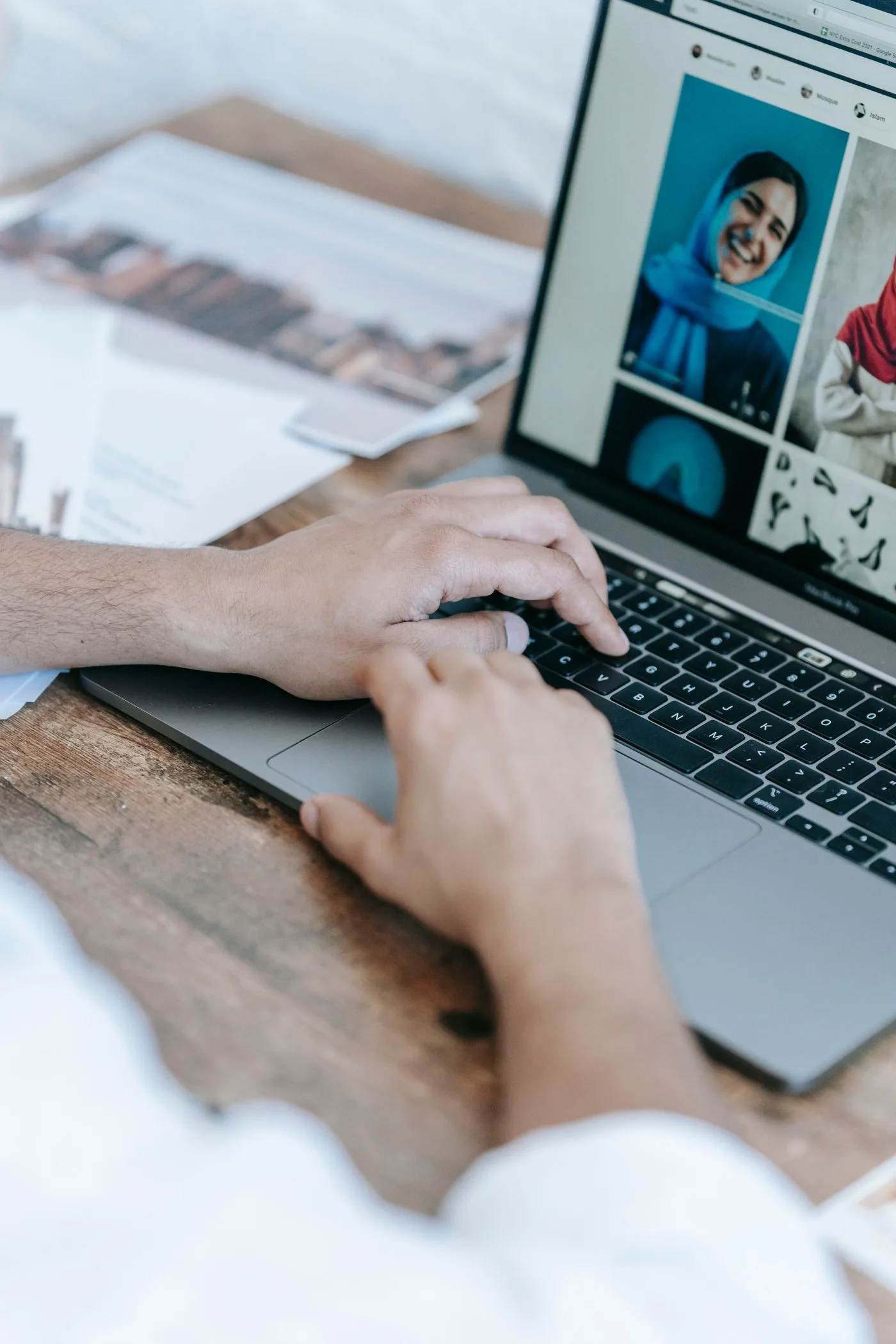
Designing a logo is an important aspect of building a brand. While some businesses rely on professional graphic designers, others prefer to use logo design tools to create their own logos. In this section, we'll explore two popular logo design tools: Canva and Logo Maker.
Designing with canva
Canva is a popular graphic design tool that offers a variety of design templates, including logo templates. Canva's logo maker is easy to use and offers a range of customisation options.
To design a logo with Canva, you can choose from a variety of templates based on their industry or style preference. Once a template is selected, you can customise the logo by changing the font, colour, and layout. Canva also offers a library of icons and graphics that can be added to the logo.
Canva's logo maker is free to use, but you can also subscribe to Canva Pro for additional features and design templates.
Using a logo maker
Logo makers are online tools that use artificial intelligence (AI) to generate logos based on user input. Logo makers are a quick and affordable way to create a professional-looking logo without hiring a graphic designer.
Webflow Logo Maker is an AI-powered logo maker that offers a range of customisation options. You can select a logo template and customise it by changing the font, colour, and layout. Webflow Logo Maker also offers a library of icons and graphics that can be added to the logo.
You can preview the generated logo designs and select the logo with their favorite design. Webflow Logo Maker lets you customise their logo with different fonts, colours, and emblem selections like website or Website Builder icons to ensure that the new logo will fit in perfectly with all current and future branding.
Canva and Logo Maker are two popular logo design tools that can help businesses create professional-looking logos. While Canva offers a range of design templates and customisation options, Logo Maker uses AI to generate logos based on user input. Both tools are affordable and easy to use, making them great options for businesses looking to design their own logos.
Collaboration in Webflow
Webflow makes collaboration between team members easy and efficient. With Webflow, multiple you can work on the same project simultaneously, making it an ideal platform for teams of all sizes.
Collaboration in Webflow is straightforward. You can share access to their projects with other team members, allowing them to work on the same project without having to worry about version control. This makes it easy for designers and developers to work together, ensuring that the final product is of the highest quality.
Webflow's collaboration features also make it easy to hand over control of a project. With Webflow, you can easily transfer control of a project to another team member, ensuring that the project continues to move forward without interruption.
Webflow's collaboration features aren't limited to design. The platform also provides an easy way for developers to collaborate on code. Webflow's CSS and HTML editors make it easy for developers to work on the same codebase, ensuring that everyone is on the same page.
Webflow's collaboration features make it an ideal platform for teams looking to work together efficiently and effectively. With Webflow, teams can collaborate on design, development, CSS, and HTML, ensuring that the final product is of the highest quality.
Logo design and fabric care labels
When designing a logo for clothing, you should consider the durability and maintenance of the logo. One way to ensure the longevity of the logo is to include fabric care labels on the clothing. These labels provide important information on how to properly care for the garment and the logo.
Machine wash and logo durability
When machine washing clothing with logos, you should use cold water on a gentle cycle with mild detergent. Non-chlorine bleach and fabric softeners should be avoided as they can cause damage to the logo. Tumble dry on low heat or hang-dry to prevent shrinkage and preserve the logo.
Hang-dry and logo preservation
Hang-drying clothing is a great way to preserve the logo. You should hang the clothing in a well-ventilated area away from direct sunlight. This will prevent fading and damage to the logo. When hanging clothing, be sure to use hangers that are appropriate for the garment to prevent stretching or distortion of the logo.
Ironing and logo maintenance
Ironing clothing with logos should be done with caution. You should use a cool iron and avoid ironing directly on the logo. Instead, iron around the logo using a pressing cloth. This will prevent damage to the logo and preserve its appearance.
Dry cleaning and logo protection
When it comes to dry cleaning clothing with logos, you should check the care label first. Some logos may not be suitable for dry cleaning and can be damaged by the chemicals used in the process. If dry cleaning is necessary, you should choose a reputable dry cleaner and inform them of the logo on the garment.
Designing logos for clothing requires careful consideration of the logo's durability and maintenance. Including fabric care labels on the clothing can help ensure the logo's longevity. By following the proper care instructions, logos can be preserved and maintained for years to come.