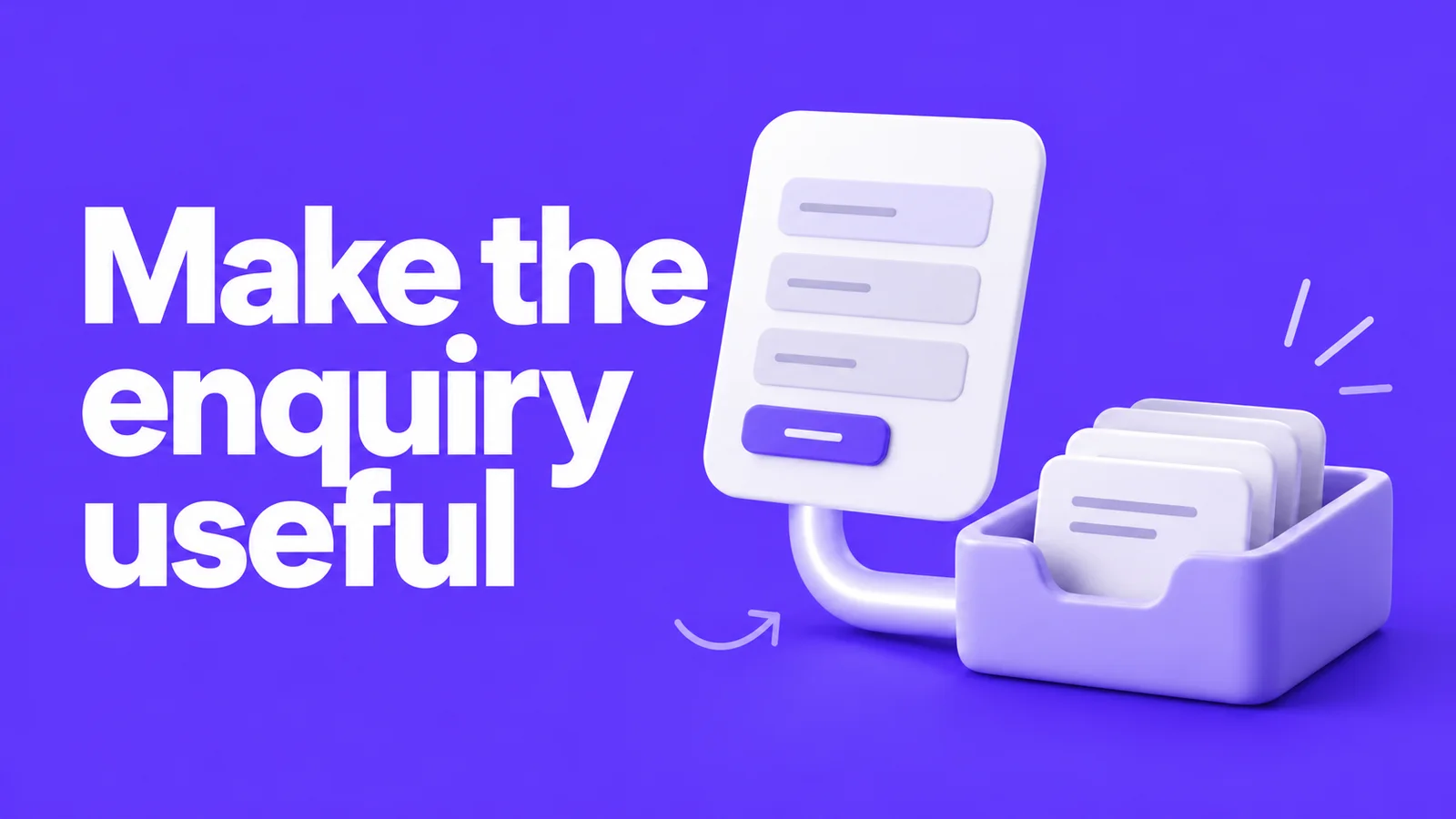
A FinTech website form should collect enough information for a relevant reply, confirm what happened and deliver the enquiry to someone who can act on it. Design those steps together. A form that looks finished can still leave the sales team without the information they need.
Keep the purpose clear. A marketing enquiry is different from opening an account, submitting identity documents or making a payment. If the visitor needs one of those product tasks, send them into the appropriate product journey rather than adding more fields to the contact form.
Decide what the reply needs before deciding the fields
Ask the person handling enquiries what they need to make the first useful response. Work backwards from that conversation.
For a business payments enquiry, the useful context might be the organisation, the relevant service and the market in which it operates. That is an illustrative starting point, not a recommendation to collect every detail a sales process might eventually need.
Give each field a reason. If nobody can explain how they use it at this stage, remove it or leave it for a later conversation. The ICO’s data-minimisation guidance says personal information should be relevant and limited to what is necessary for the purpose.
Avoid inviting account numbers, payment-card details or identity documents into a general message box. Tell existing customers where to find the appropriate support route. Clear directions can be more helpful than a warning placed after someone has already typed their problem.
Write a mapping before connecting the tools
The label someone sees and the property stored in the CRM need to mean the same thing. “Country” could mean a company’s registered location, a visitor’s location or the market they want to enter. Define the meaning before building the field.
Use a mapping like this, then replace the illustrative entries with your own agreed fields:
| Website field | Why it is needed | Destination and rule |
|---|---|---|
| Work email | Reply to the enquiry | Agreed contact property; define how existing contacts are updated |
| Organisation | Understand the business making contact | Agreed company/contact field; define matching behaviour |
| Product interest | Direct the enquiry | Controlled values mapped to the appropriate queue |
| Relevant market | Check who can help | Explicit meaning and agreed routing choices |
| Message | Understand the question | Approved destination and access; instructions about what not to include |
Record required status, permitted values, privacy wording and who can see the information. Separate routing information from marketing preferences. Don’t make the integration guess a preference from the act of requesting a reply.
Your privacy owner should approve the collection and notices. The ICO’s privacy-information guidance is a useful starting point for that discussion; a website implementation is not a substitute for deciding the purpose and handling of the data.
Choose the connection deliberately
You might use an embedded CRM form, a website form connected through an integration, or a custom submission endpoint. The right choice depends on required behaviour, styling, access and the tools you already run.
HubSpot documents both forms embedded on external websites and collection from non-HubSpot forms. These are different approaches. Non-HubSpot collection has specific form requirements and limitations, including how it handles hidden fields. Verify the chosen approach against your form instead of assuming the tracking script will capture every submission correctly.
Ask for a small demonstration with your field mapping before building every campaign form. Include the consent configuration and scripts used on the real website in that test.
See how the public form and connected workflow fit together
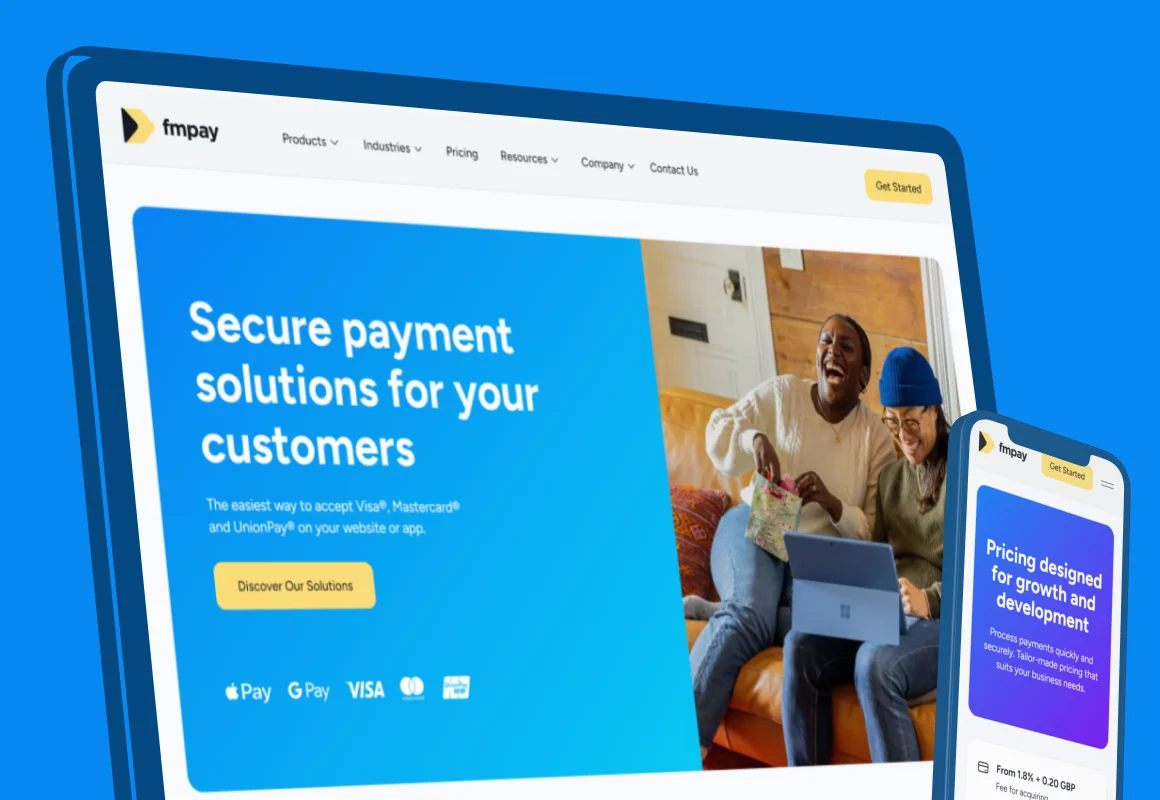
Our FMpay project included the Webflow marketing website, registration forms, HubSpot, Make and custom API connections. That is public website and enquiry work, not the payment-processing infrastructure. Our FinTech website service explains how we scope those pages and connections for another team.
Define what “submitted” means
There may be several steps between pressing the button and receiving a useful reply: validation, submission storage, CRM processing, assignment and notification. Decide which event triggers the confirmation message.
If the website has accepted the enquiry but CRM processing is still pending, the message should match that state. If the submission was rejected, explain what the visitor can do. Avoid showing a success message just because an animation completed.
Make the form understandable throughout. Use persistent field labels, clear instructions and errors that identify the problem. W3C’s form-label guidance explains how labels should be associated with controls. Test the published embed with a keyboard as well as a mouse.
Give failed handoffs somewhere to go
Agree who notices a failed CRM request and how they recover the accepted enquiry. The answer might involve an approved submission store, a retry process or an operations queue. It needs an owner and a documented data-handling approach.
Ask what happens when an integration runs twice. Can the system identify the same submission rather than create two follow-up tasks? What happens when the contact already exists? A repeated request should have a defined outcome, not a second unexpected sales sequence.
Keep technical credentials out of website code delivered to the browser. Give the integration only the access it needs, and make sure failures can be investigated without putting full submission contents into general logs. These are implementation decisions for the technical and privacy owners, not fields to add to the public form.
Test the complete enquiry
Use clearly labelled test records and agree their clean-up with the CRM owner. For each test, check the visitor’s screen and the resulting CRM record.
| Test | Check on the website | Check with the receiving team |
|---|---|---|
| Valid new enquiry | Useful confirmation | Correct fields, destination and owner |
| Existing contact | No confusing duplicate behaviour | Agreed update and history |
| Missing required information | Specific, recoverable error | No misleading accepted enquiry |
| Repeated click or retry | Clear current state | No unintended duplicate follow-up |
| CRM unavailable | Honest confirmation or recovery route | Accepted information is recoverable through the agreed process |
| Consent or script variation | Form behaves as designed | Collection and routing match the agreed configuration |
Keep the final field map, test results, account ownership and recovery instructions together. Recheck the relevant cases when the form, scripts or CRM rules change.
If enquiries disappear between the website and the team, show us the form and where the information should arrive. That gives us a concrete problem to investigate.
A few useful answers
What information belongs in a marketing enquiry?
Collect the information needed for the first useful reply, with each field given a clear purpose and destination. Account documents, payment details and product-support records belong in the appropriate separate journey.
Are embedded HubSpot forms and non-HubSpot form collection the same?
No. HubSpot documents different approaches and limitations. Choose and test the implementation against your real field map, consent configuration and scripts.
What should happen when the CRM connection fails?
Agree an honest visitor-facing state, an owner and a recovery process for accepted enquiries. Test duplicates and uncertain outcomes instead of assuming every request can simply be repeated.