A developer should not have to reconstruct every spacing decision by looking at a screenshot. That work takes time, introduces interpretation and rarely produces the most valuable conversation between design and engineering.
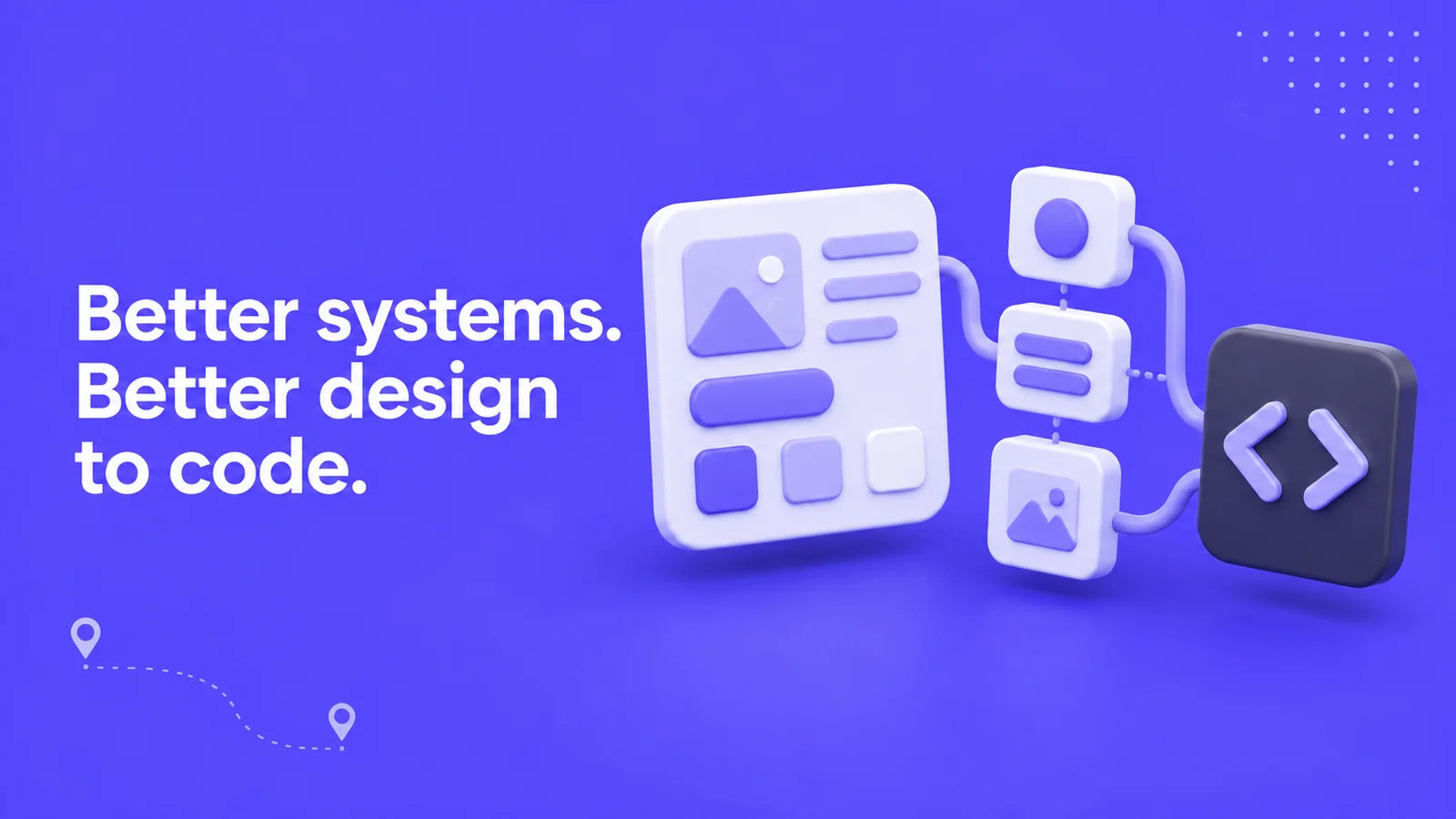
Figma MCP can reduce some of that translation work by giving an agent access to design context. “Cheaper” here means less repeated mechanical effort when the setup is good. It is not a promise of a particular saving, or evidence that an entire project should cost less.
The more interesting change is what becomes valuable next. If a tool can reproduce a screen more readily, the quality of the system behind that screen matters more, not less.
The connection is not the implementation
Figma’s MCP server provides design information that a compatible coding agent can use during implementation. It does not replace the application architecture, content model or engineering decisions already present in a repository.
Figma explicitly distinguishes the server’s role from the agent’s role. Supplying context is not a one-click guarantee of production-ready code. The agent still has to interpret the design and work within the project.
That means two teams can connect the same tool and get very different results. One gives it a set of well-defined components. The other gives it dozens of almost-identical rectangles called Frame 248.
A page can look consistent and still be difficult to build
Imagine three pricing cards. Visually, they share a heading, a price, a list and a button. Behind the scenes, each was created independently. Their spacing is slightly different, their button variants are unclear and nobody has defined what happens when a feature description wraps.
An implementation agent may reproduce those differences faithfully. It may also introduce a fourth version rather than use an existing component. The result can look close in one screenshot while increasing the amount of code the team must maintain.
The useful design work is deciding what is shared, what is deliberately different and which states exist. That includes the unglamorous cases: longer translations, missing images, validation errors and content that does not fit the sample.
What a useful design system gives the agent
- Components with a purpose. Names describe what a component does, not where it happened to appear.
- Defined variations. A primary action, a quiet action and a destructive action are intentional choices.
- Tokens with meaning. Spacing, colour and typography values refer to a shared vocabulary.
- Layout behaviour. The system explains how content grows, wraps and rearranges.
- States and constraints. Empty, loading, error and disabled states belong to the design.
These are not decorations for an AI workflow. They make collaboration easier for people too. Figma’s file-structure guidance similarly emphasises components, variables, meaningful names, layout and annotations.
Connect the design to the components that already exist
The biggest avoidable waste is rebuilding something the codebase already has. A design-to-code workflow should begin by identifying the actual components, their supported properties and the places where they are used.
Code Connect can supply mappings to code components, including usage information, so the agent has more useful context than visual resemblance alone. It is an aid to reuse, not a substitute for keeping those mappings accurate.
For example, the intended instruction might be to use the existing pricing-card component with its featured variant. That is more precise than asking for “a card like this” and hoping the agent discovers the right implementation.

Measure the whole change, not the first draft
A sensible pilot uses one representative page. Capture the starting point, implement it through the proposed workflow and review the result against agreed criteria.
Include integration time, review time and rework. Check responsive behaviour, keyboard operation, content flexibility and whether existing components were reused. A draft produced quickly can still be expensive if a developer has to untangle it afterwards.
Keep the comparison fair. The first run may involve setup that later work can reuse. Equally, a carefully prepared demo does not prove that every page will become straightforward.
What changes in the agency handoff
The deliverable becomes more than a file containing approved screens. It includes the relationship between design and implementation: component mappings, content constraints, documented decisions and a way to keep them current.
This is why a context system is a more useful handoff. The client needs to understand how to make the next good change, not just how the first page looked when it was approved.
At Hilvy, the opportunity is to spend less effort translating pixels and more effort making a website work for the brand and the people maintaining it. If you already have designs, our Figma to Webflow service is a practical place to start that conversation.