
Your Webflow website can look finished while the search setup still has gaps. A page may carry a staging canonical, a useful service can sit outside the navigation, or a form can fail after someone arrives from Google. The launch checklist needs to cover the route from discovery to a working enquiry, not just the settings panel.
Use this Webflow SEO checklist before publication and again after launch. Keep a record of the URL, the check, the result and the person responsible. A green checklist does not guarantee rankings. It gives the content a reliable foundation and makes problems easier to diagnose.
Start with a page map, not a plugin
List the pages the business needs: core services, relevant sectors, work, practical guides and contact. Give each page a primary visitor question. If two pages answer the same question with nearly identical copy, decide which deserves to be the main destination before you optimise both.
For example, a general website-design page can explain the overall offer. A Webflow migration page should explain the move, content transfer and launch responsibilities. An article about redesign SEO can teach the planning process and link to the migration service. Those pages have related subjects but different jobs.
Make a simple worksheet with these columns:
- Current or proposed URL.
- Visitor question and page purpose.
- Primary search topic and related questions.
- Title, description and main heading.
- Relevant internal links.
- Content owner and review date.
Use actual language from customer conversations and Search Console where available. A keyword tool is useful for demand estimates, but it does not tell you whether an enquiry fits your business.
Check the pages search engines can reach
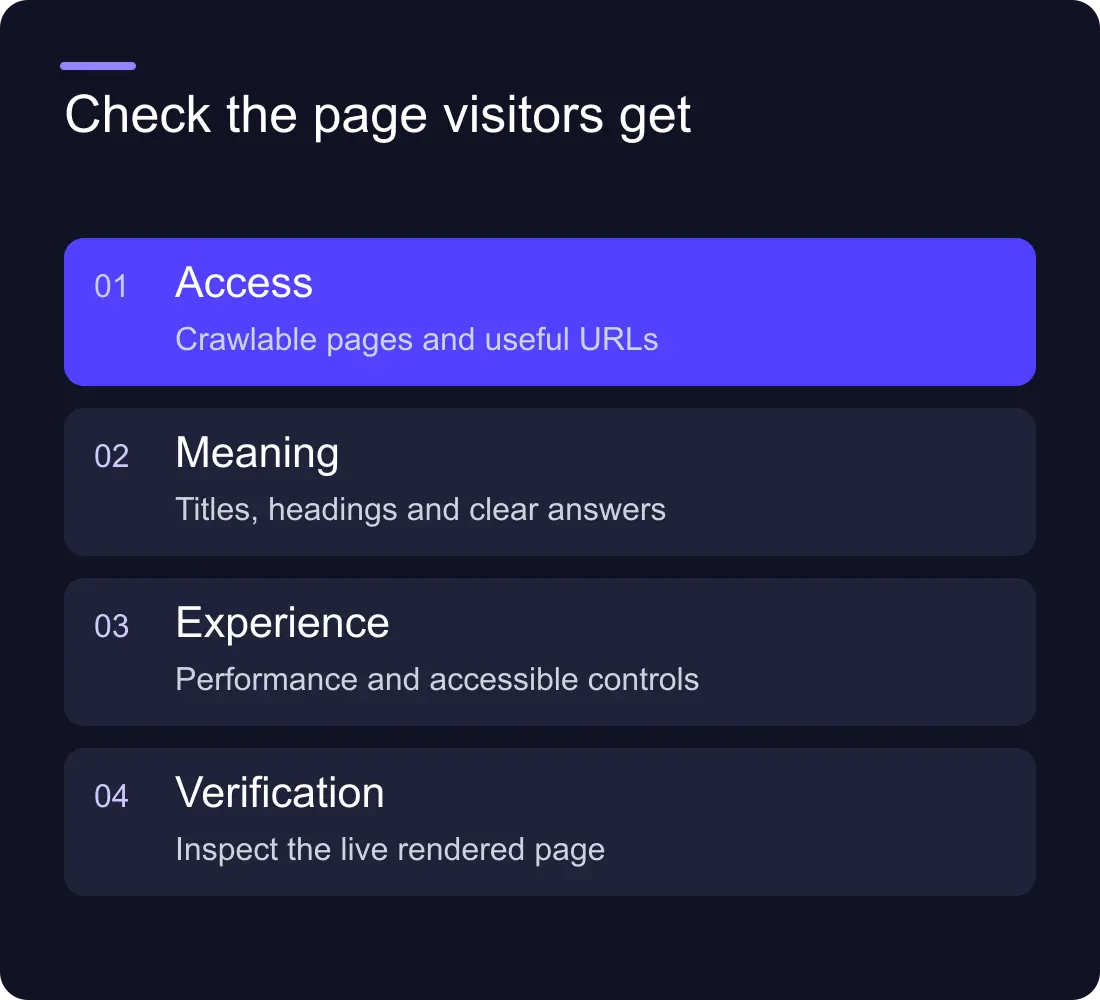
Inspect the published custom domain, not only the Webflow preview. Confirm that important URLs return the intended page and a successful status. Check the canonical, robots directives and sitemap. Make sure a staging or temporary domain has not become the preferred version.
Open the sitemap and sample several entries. A listed URL should lead directly to an indexable page, rather than a redirect, empty template or missing item. CMS collections deserve their own checks because a template mistake can affect every article or project at once.
Follow links from the homepage to an important service and from that service to relevant work. If a valuable page can only be found through a search box, add a contextual route to it. Navigation supports the main journeys; body links explain why another page is useful at that moment.
Give each page a clear search result and opening
Write a title that describes the page before it advertises the studio. Put the service or question near the beginning and avoid repeating the same phrase several times. The description should explain what the visitor can learn or do. Treat it as a useful summary, rather than a guaranteed search-result snippet.
Read the visible H1 alongside the opening paragraph. Together, they should explain the subject and audience. A heading such as “A better way forward” needs nearby language that says whether the page is about a migration, maintenance or a redesign.
Check heading order in the rendered page. Use headings for structure, not to make ordinary text bigger. A long service page might move through scope, platform fit, evidence, delivery and questions. An article needs sections that answer the reader's next question.
Review CMS templates and real content
Inspect one short article, one long article and one item with missing optional fields. Confirm that the template does not output an empty heading, blank description or broken image. Verify that title and description fields use the intended CMS values.
Image alternatives should describe useful visual information. A conceptual cover can have a concise description; decorative background texture can use an empty alternative. Avoid stuffing search phrases into every image field.
Check that project and service pages contain specific information. A screenshot alone cannot explain what was delivered, and a generic paragraph cannot demonstrate why the work matters. Use accurate project scope, process and evidence without inventing results.
Test the experience after the click
Review the site on a phone and a laptop. Look for text overflow, obstructed controls, heavy hero media and shifts as assets load. Performance data can help you choose what to investigate, but a score should lead to a concrete action such as compressing an image or delaying an unnecessary script.
Submit a test enquiry with clearly labelled test data. Confirm the success message, notification, CRM destination and responsible person. Repeat with a validation error. Check keyboard navigation, visible focus and form labels. Traffic has little business value if the next step fails.
Repeat the checks after launch
Keep a launch record with the previous and new URL maps, publication time and major changes. Recheck the live site immediately, then review Search Console as fresh data arrives. Look at individual pages and queries alongside totals; a seasonal change can otherwise be mistaken for a technical problem.
Prioritise fixes in this order: inaccessible or unintentionally blocked pages, incorrect destinations and canonicals, broken enquiries, missing internal links, then weaker content and presentation. This prevents a team spending its first week polishing descriptions while an important page remains unavailable.
Does Webflow handle SEO automatically?
Webflow provides controls for common technical settings. Your team still needs to choose the page structure, write useful content, configure the settings and check the published result. A platform cannot decide which customer question your service page should answer.
How often should we review the checklist?
Run it for a new site, a substantial redesign and changes to shared templates or domains. Between launches, review the pages that have changed and investigate new Search Console issues rather than repeating every check without a reason.
For help with the implementation, explore Hilvy's Webflow SEO work. If URLs are changing, use the redesign SEO planning guide before launch.











































