
An AEO checklist for Webflow should produce useful website improvements, not a collection of mysterious AI settings. Start with whether your important pages are reachable, understandable and supported by evidence. Then evaluate how clearly they answer the questions people ask before choosing a service.
This guide turns that review into a practical backlog. For the wider terminology and Google's published position, read AEO vs SEO for B2B websites.
Check the actual published pages
Open the custom domain and inspect representative service, project, comparison and article pages. Confirm that the content exists at the intended URL and that links lead to it. A URL in a sitemap is not evidence that the page works.
Check indexing controls, canonical addresses and the sitemap against the live content. Distinguish deliberate privacy or crawler decisions from accidental blocking. Record the reason for any restriction.
Give access problems priority. If an article redirects to the hub or a service returns a missing-page response, repairing that route is more useful than adding another answer paragraph.
Choose a small question set
Use real customer questions and the business's established service topics. Include scope, platform fit, cost drivers, ownership and migration where relevant. Avoid building a prompt list solely around phrases designed to mention your company.
Map each question to an existing or proposed page. If several pages answer the same question, choose the main destination and clarify the role of the others. This helps prevent near-duplicate content.
Checklist fields:
- Customer question.
- Intended page and audience.
- Current answer and missing detail.
- Supporting evidence.
- Owner and planned change.
Put the answer and its conditions together
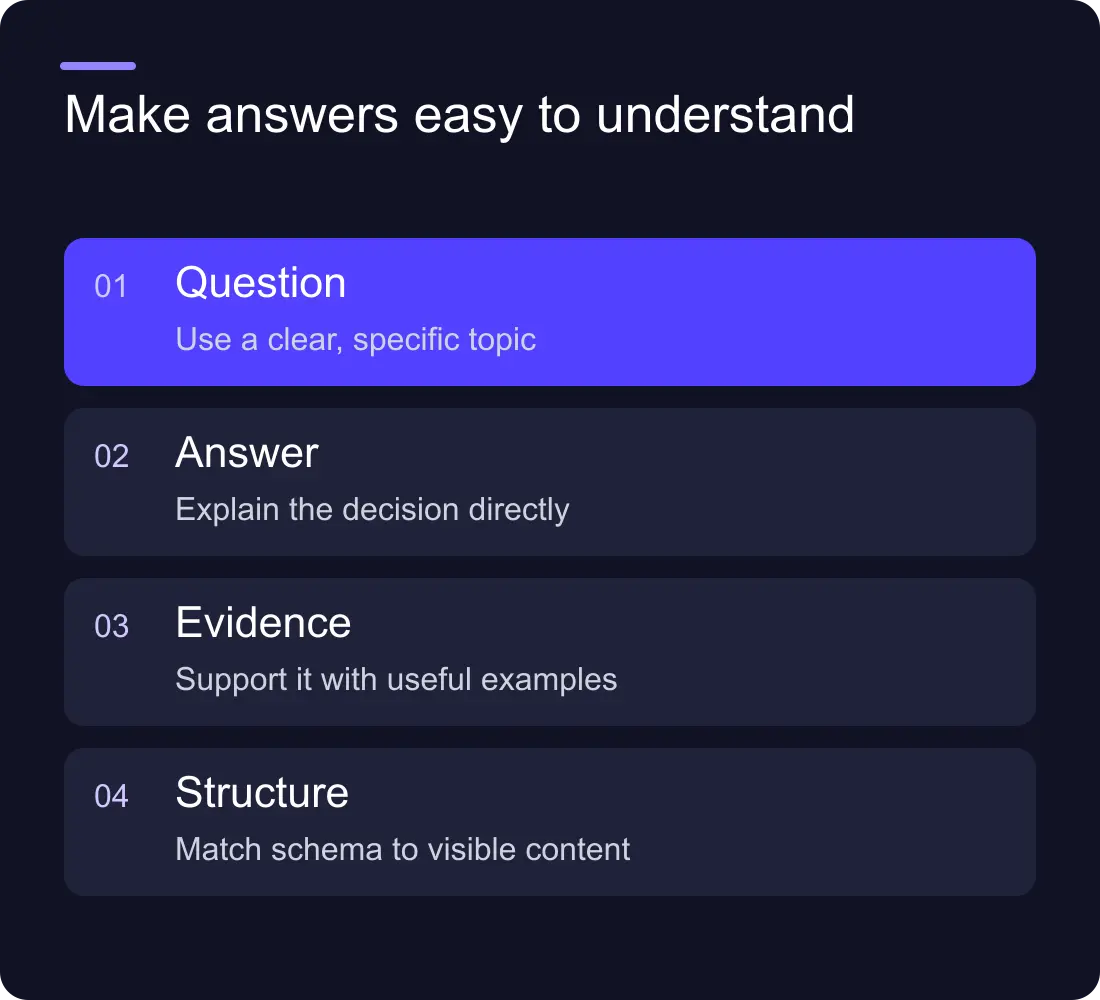
Begin a section with a useful answer, then explain the trade-offs. “Webflow can suit a marketing team that needs visual publishing” is more informative when followed by content, commerce and ownership considerations.
Avoid isolated definitions followed by a sales pitch. Add a worked decision, checklist or example that helps the reader act. Label hypothetical scenarios as examples and preserve the distinction between an illustration and a client result.
Use clear headings so a reader can find the relevant question. Long pages can be detailed without becoming a wall of unrelated points.
Check evidence and claims
Review platform facts against current official documentation. Keep a source and review date for claims likely to change, such as plan limits or integrations. Remove unsupported superlatives and guaranteed outcomes.
Use real project information accurately. A design testimonial can support the quality of design collaboration; it does not establish hosting reliability or a specific conversion gain. If evidence is unavailable, describe the scope and process rather than implying a result.
Check structured data against the visible page. Do not publish an answer, rating or claim in markup that the visitor cannot inspect. Markup should represent the page honestly.
Review the internal journey
Link each useful guide to the relevant service or comparison with a clear label. Link service pages to evidence that helps a visitor decide. Do not scatter unrelated links solely to create more paths.
Check the contact route after the reader has the information they need. A strong answer page should have a sensible next step, but it does not need to interrupt every section with a booking request.
Run bounded answer-engine observations
If you test an answer product, record the product, date, exact prompt and actual response. Note whether your page appears, how the business is described and whether the answer is accurate. Save the linked sources so the observation can be reviewed.
Repeat only enough to understand variation and important gaps. A small prompt set cannot establish a dependable visibility percentage for an entire market. Use the findings to improve content or correct inaccurate public information, not to create a promise of permanent citations.
Turn the findings into a release plan
Group the work by access, content, evidence and measurement. Give each task an owner and an acceptance check. A useful task might say “restore this article at its canonical URL and verify its sitemap entry”, rather than “increase AI readiness”.
Review the live result after publication. Keep the search and enquiry measurement separate from citation observations so the team knows which evidence supports which conclusion.
Do we need a special AI file to start?
Start with accessible pages, useful content and trustworthy claims. If someone proposes an additional file or feed, ask which product uses it, what the documentation says and how the implementation will be verified.
How do we know the work helped?
Inspect the completed website changes, then monitor relevant search data and enquiry outcomes. Treat answer-engine responses as dated observations with limits, not as proof that a particular edit caused a business result.
See Hilvy's Webflow SEO work, the Webflow SEO checklist and SEO and conversion services.











































