
Paper and Claude Code can be part of a website workflow that connects design context with implementation. The useful question is how the team keeps decisions, review and handover intact as an assistant helps write the code.
This is a planning guide, not a case study of a completed Hilvy rebuild or a measured tool benchmark. It explains how to scope a small trial and judge the result without confusing a convincing mockup with a working website.
Give the trial one clear brief
Choose a small, fictional website page with a defined audience, content and next step. Keep the scope modest enough to review: one page, a few reusable components and a real form state without sending external messages.
Write acceptance criteria before generation. Include mobile behaviour, keyboard access, content accuracy, component reuse and the intended page structure. Record the framework and relevant tool versions so the result has context.
Do not use a client's private material for an unapproved experiment. Synthetic content can test the workflow without implying delivered client work.
Prepare design context in Paper
Use current Paper MCP documentation to understand the connection and available operations. Verify the permissions in the actual setup rather than assuming every assistant can read and edit every design surface.
Make the design context explicit: page purpose, hierarchy, spacing, typography, colours and interaction states. Include the ordinary states a polished hero can hide, such as validation errors, long text and a narrow screen.
Decide which design choices are fixed and which the assistant may propose. A loose visual reference can be helpful, but it should not silently override accessibility or the project's existing design system.
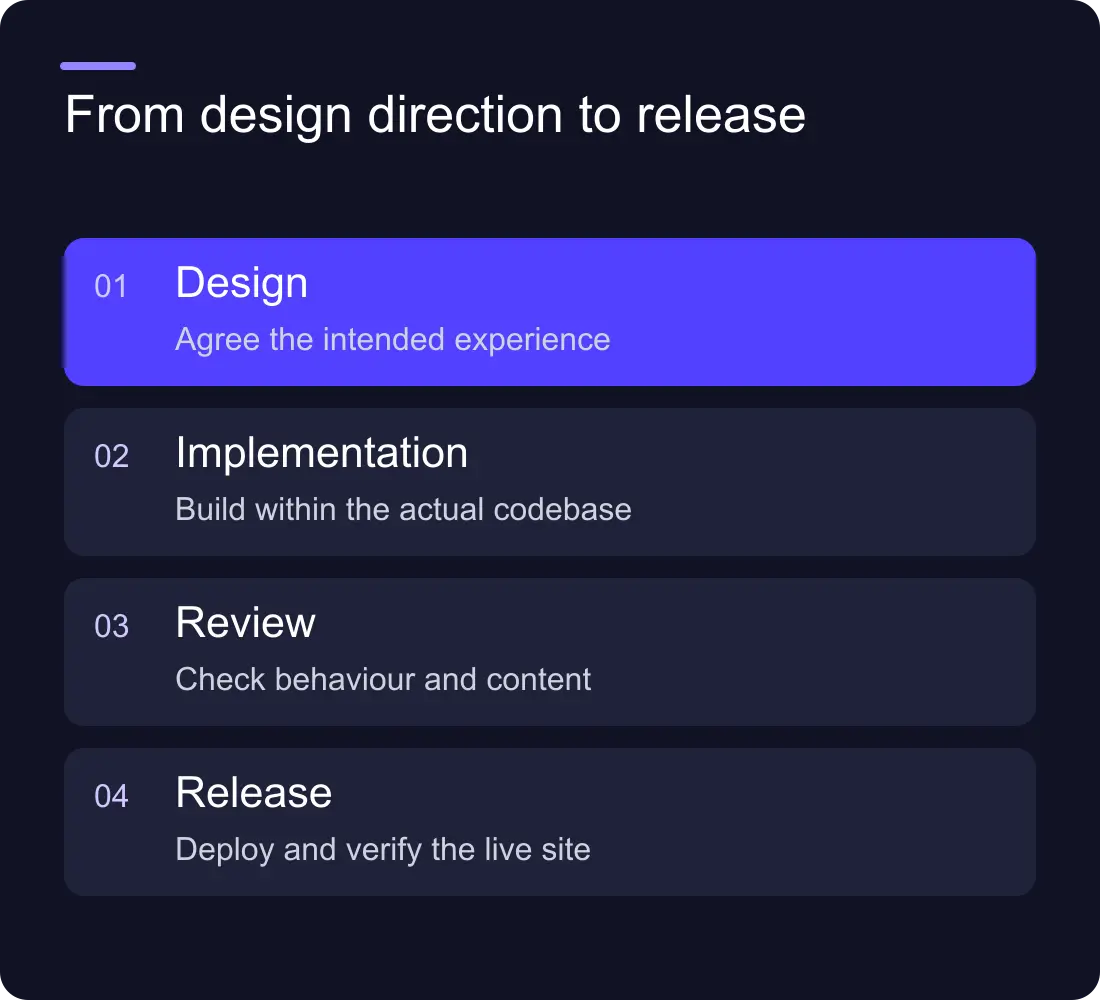
Ask for implementation in reviewable steps
Start by having the coding assistant inspect the repository instructions, components and styles. Ask it to identify reusable patterns before writing replacements. This reduces the chance of a page that looks plausible but introduces a second design system.
A useful implementation brief can include:
- The page's job and supplied content.
- Design context and responsive expectations.
- Existing components to reuse.
- Allowed dependencies and framework constraints.
- Form and interaction states to implement.
- Required checks and handover notes.
Keep the work in a reversible branch or checkout. Review changes in small chunks: structure, styling, interactions, then validation. Record corrections so you can distinguish what the assistant generated from what the team approved.
Review the rendered page
A source file is not proof of a working design. Open the implementation at representative widths, increase text size and use the keyboard. Check content order, focus, controls, image alternatives and whether anything overflows.
Inspect a form's normal, invalid and success states. Confirm that a primary action does what the interface promises. If the trial uses a mocked destination, label it as such and do not present it as a functioning integration.
Review the copy separately. Generated content can introduce invented claims, testimonials or features that were never in the brief. Use supplied facts and make missing evidence visible.
Run technical checks that match the scope
Use the repository's applicable type, build and test commands. Check semantic headings, metadata and routes in the rendered output. A passing build shows that the code compiles; it does not establish that the page is visually good or accessible in practice.
Avoid adding tests that simply repeat the implementation. Test meaningful behaviour such as form validation or preserved route metadata where the change warrants it. Keep manual review findings separate from automated results.
Check new dependencies, external scripts and credentials. A prototype should not introduce a secret into client code or a service connection nobody owns.
Report what the trial actually showed
Keep a short log of the brief, versions, prompts, corrections, screenshots and checks. Describe observed limitations: a layout that needed adjustment, a component that ignored the existing system or a state that required manual design.
Only compare time or quality when you have defined and measured the comparison. “The assistant wrote code quickly” does not establish a production saving if review and rework were not counted.
End with the handover question: can another person understand and maintain the page? A useful workflow produces a coherent implementation and a record of decisions, not only a final image.
Can this replace a website designer?
The tools can assist parts of the work. Someone still needs to define the brief, make design decisions, supply accurate content and review the experience. Evaluate the actual result rather than treating tool access as a complete delivery process.
What should we trial first?
Choose one bounded page with realistic content and interaction states. Keep it clearly separate from production until the review and deployment responsibilities are established.
Explore Hilvy's design services, application development and the website brief template.











































