
A useful website design brief gives the team enough context to make decisions. It does not need to specify every animation or page layout. It should explain what the business needs, who the website serves, what already exists and what a successful release would change.
This template is for B2B teams planning a new website or redesign. Copy the sections into a shared document and leave unknowns visible. A clearly labelled open question is more helpful than an invented answer that becomes part of the scope.
1. Explain the business and the reason for the project
Write a short description of the business, its main offer and the customers it serves. Then explain the trigger for the website work. Perhaps the positioning has changed, the team cannot publish quickly or the current site sends unsuitable enquiries.
Use a concrete sentence: “We need buyers to understand our three service lines before booking a call.” A goal such as “a modern, premium experience” can describe taste, but it does not help the team decide what the homepage must communicate.
Template fields:
- Business and main offer:
- Why the project is happening now:
- Current website and known problems:
- Main change the new site should achieve:
2. Name the audience and their decisions
Describe the people who use the site, what brings them there and what they need before taking action. A marketing director comparing partners may need delivery scope and credible work. A technical colleague may need platform, security and integration information.
Separate the primary audience from useful secondary visitors. Trying to make every page speak equally to prospects, recruits, investors and existing customers can leave the most important journey unclear.
For each audience, record their main question, relevant objections, evidence they need and next step. Include language from real customer conversations where you have it. Do not create a fictional quote and present it as research.
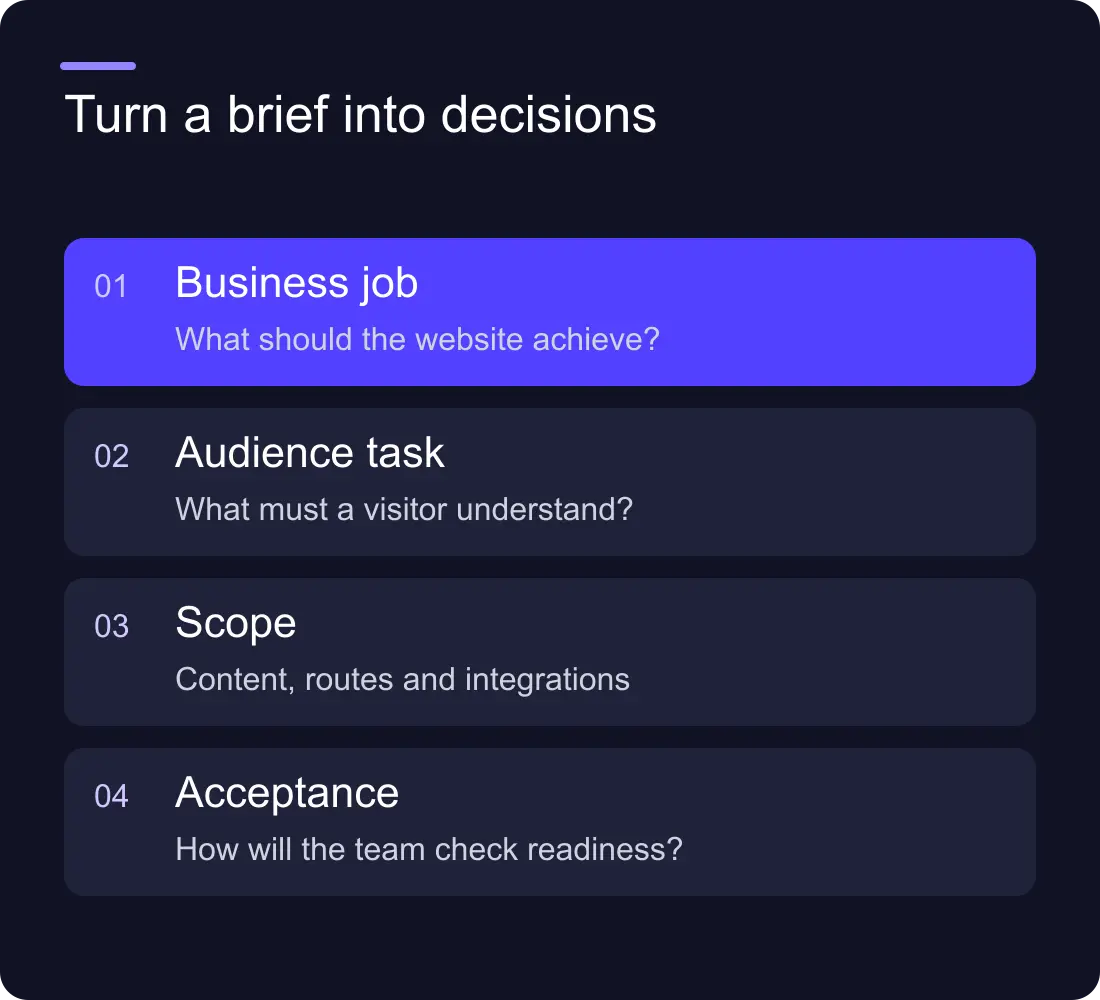
3. Define outcomes and measurement
Choose a small number of outcomes the team can observe. These might include more suitable enquiries, fewer support questions about a service or less time needed to publish a case study.
Record the current baseline where measurement is trustworthy. If form tracking is incomplete, say so and include fixing it in the scope. Avoid a target such as “double conversions” without defining which conversion, the period and the starting point.
Distinguish a launch deliverable from a later business result. A working CMS and tested form can be acceptance criteria. Changes in traffic or lead quality need a measurement period after release.
4. Map pages, content and evidence
List the required pages and the question each must answer. Note who writes, approves and supplies the content. Include real project images, permitted testimonials, team details and downloads.
A redesign also needs the existing URLs and any known search value. Use the redesign SEO guide before deleting or renaming useful pages. A content gap should not quietly become a developer's responsibility at the end of the build.
Template fields:
- Required pages and their purpose:
- Existing content to retain or improve:
- New copy and assets required:
- Content owner and approval date:
- Established URLs to preserve:
5. Describe functionality and ownership
List forms, booking tools, CRM connections, languages, gated content and other functional requirements. For each, explain what the visitor does and what should happen afterwards. “CRM integration” is too broad; “a quote request creates a record and alerts the regional owner” is a reviewable requirement.
Name the accounts the business owns and any current vendor agreements. Include ongoing responsibilities: who publishes, who maintains integrations and who can approve a release. Ask for training and handover to match those responsibilities.
6. Give design direction with reasons
Share a few references and explain what you like about each. Is it the hierarchy, clarity, use of work, type or interaction? A collection of unrelated screenshots can create a confused brief if no one explains the purpose behind them.
Include existing brand guidelines and any decisions still open. If the brand itself needs work, make that a separate scope decision. The brand refresh vs rebrand guide can help distinguish a presentation update from a positioning project.
7. State budget, timing and decisions
Give a realistic budget range or explain the approval process if the range is not yet set. Name fixed dates and why they matter. Identify the person who can approve scope and the people who must review legal, content or technical details.
End with acceptance criteria: agreed pages complete, responsive checks passed, forms tested, redirects verified and handover delivered. Keep a separate list of ideas that can wait. This makes it easier to protect the launch when a new request appears.
How long should a website brief be?
Long enough to make the main decisions clear. A compact brief with a page inventory and integration details is often more useful than a long document full of visual adjectives. Add detail where an omission would change the price, schedule or responsibility.
Should we choose Webflow before writing the brief?
You can name a preferred platform, but record the requirements first. That lets the team explain whether the platform fits the publishing, commerce or application needs instead of forcing the scope around a tool.
Explore Hilvy's website work, recent projects or send us your brief when the main decisions are ready.











































