
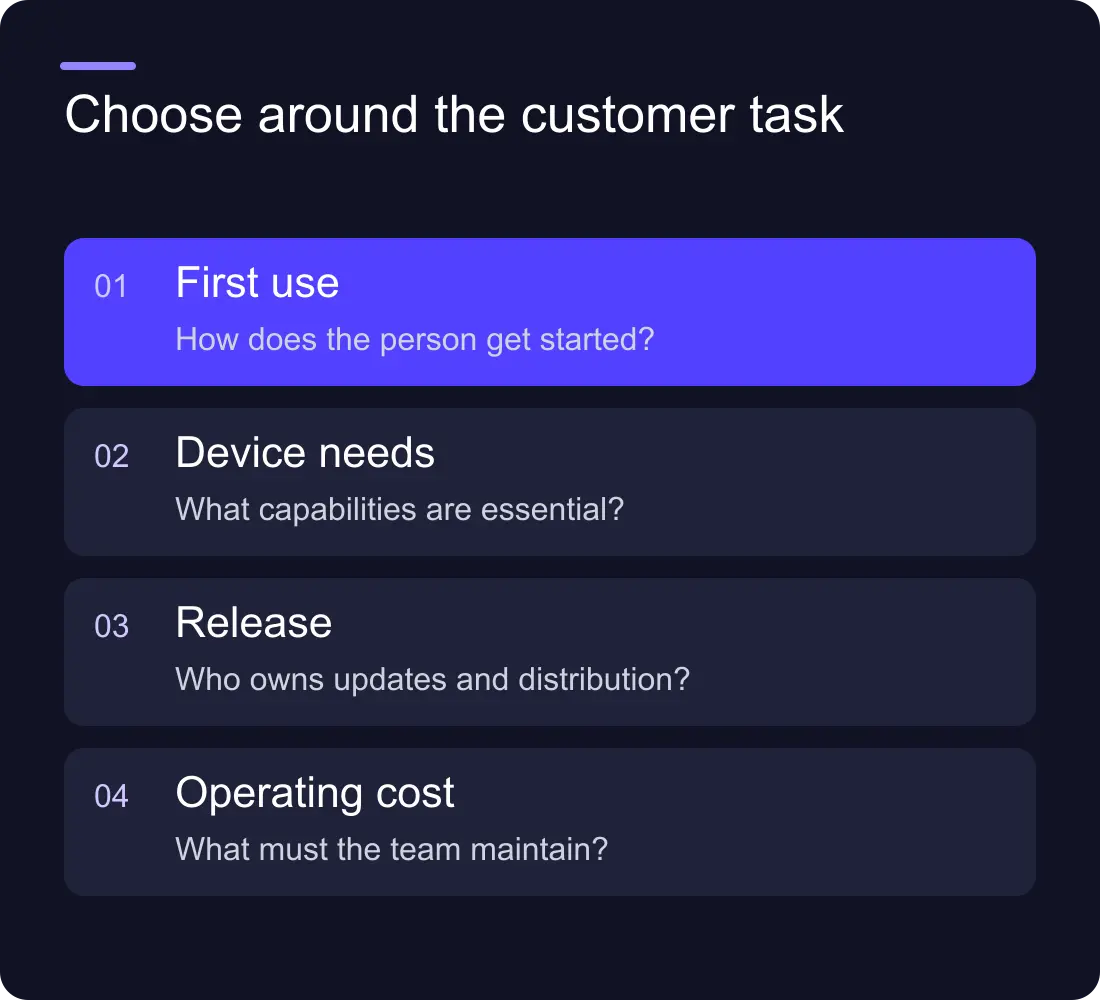
The web app vs mobile app decision should start with the customer task. Where will people use the product, how often will they return and what device capabilities does the experience require?
For many early products, a web app offers a direct route from a link to a working experience. A mobile app can be appropriate when the recurring task and device integration justify installation and the additional release responsibilities. Choose the first product you can deliver and learn from, rather than assuming you must launch both.
Describe the task before the platform
Write the main journey in a few steps. A customer might book a service, manage a project, review data or record something while away from a desk. Include the context: network availability, device, frequency and urgency.
Identify which capabilities are essential rather than desirable. Camera use, background activity, offline work and notifications can affect the decision, but support varies by platform, browser and operating system. Verify the exact required behaviour against current documentation, including MDN's web-app guidance, before committing.
Avoid choosing a mobile app simply because a competitor has one. You need evidence that installation supports your own customer journey.
Evaluate the route to first use
A web app can be reached through a URL, which can make discovery, sharing and onboarding straightforward. It still needs a responsive interface, suitable authentication and a clear path back for returning users.
A mobile app asks someone to install and keep it. That can fit a frequently used product, but the benefit must justify the extra step. Consider how customers find it and whether the app's purpose is apparent before installation.
For a B2B tool shared with colleagues, a browser route may suit mixed devices and desktop work. For a repeated field task, a mobile experience may deserve closer evaluation.
Compare capability with the actual requirement
| Requirement | Question to answer |
|---|---|
| Offline work | What data and actions must work without a connection? |
| Notifications | Which events need attention, and what support is required? |
| Device access | Which sensors or native integrations are essential? |
| Team collaboration | How do people invite, share and review work? |
| Frequent use | What helps users return to the task? |
| Public discovery | How will someone reach the first useful screen? |
Do a bounded technical trial for a capability that drives the decision. Label the result as a trial and test on the actual target devices. A feature listed in a framework's marketing page is not enough evidence that your intended interaction works reliably.
Include the backend and operating work
Both routes may need accounts, data storage, permissions, payments, integrations and support. Those can be a large part of the project regardless of how the interface is delivered.
Define who owns the data and what happens when a request fails. Use clear roles and access boundaries. A polished front end does not remove the need to maintain the systems behind it.
For a mobile product, include store distribution, review and update responsibilities where applicable. For a web product, include hosting, browser support and deployment. Check current platform rules directly, such as Apple's app-review guidance, because those requirements can change.
Scope the first release around one valuable journey
Choose the smallest complete experience that solves the primary task. It should include onboarding, the useful action, errors and a way to get help. A prototype that only shows the happy path is not a complete first release.
Keep secondary features in a separate backlog. Adding a second platform can multiply review and support work before you have learned whether the first journey is useful.
Use the website brief template as a starting point, adding user roles, data, interaction states and operating responsibilities for an application.
Decide what evidence will guide the next step
Measure whether users complete the task and return when they need it. Review support requests and observed friction. Downloads, sign-ups and page views can be useful, but they do not establish that the product solves the problem.
After the first release, consider whether a second interface addresses a demonstrated need. A mobile app may extend a successful web product, or a web interface may help teams manage a mobile workflow. Let actual use guide the sequence.
Is a web app always cheaper?
No. Complexity, data, integrations and quality requirements drive cost. Compare the complete scope and operating responsibilities rather than assuming the delivery channel determines the whole budget.
Can we build both together?
Yes, when the business case and resources support it. Define the shared and platform-specific work clearly, and check whether launching one first would provide useful evidence sooner.
Explore Hilvy's application development, AI capabilities and the business website cost guide, or tell us about the product.











































