
A useful Webflow CMS content model makes routine publishing predictable. Separate reusable things such as authors, topics and case studies from the pages that display them. Then define relationships, required fields and ownership so an editor can make a normal update without rebuilding the layout.
The first warning sign is usually practical: the same customer name appears in six places, changing a category breaks a filter, or every new resource needs a designer. Those are content modelling problems before they are design problems.
Start with the updates people actually make
Ask the publishing team to list its last ten changes. Include small changes such as replacing an author photo or correcting an industry name. A proposed CMS that only handles launch content may miss the work that happens every week.
For each change, record the content item, the pages affected and the person responsible. If changing one reusable fact requires editing several unrelated pages, that fact probably needs a shared source.
Do not begin by copying every visible section into a Collection. A testimonial can be a reusable item. A decorative separator normally cannot. Model information with its own identity or lifecycle, not every rectangle in the design file.
Distinguish content types from categories
A content type describes what something is: article, event, author or case study. A category describes how to group it: industry, service or topic. A case study about SEO remains a case study. It does not need a new Collection named SEO case studies simply because the topic is important.
Use a separate classification Collection when the label needs its own landing page, description, image or relationships. Use a simpler field when the choice is small, stable and does not need independent editorial management.
This keeps the publishing system understandable. An editor should not need to choose between three almost identical Collections before adding a resource.
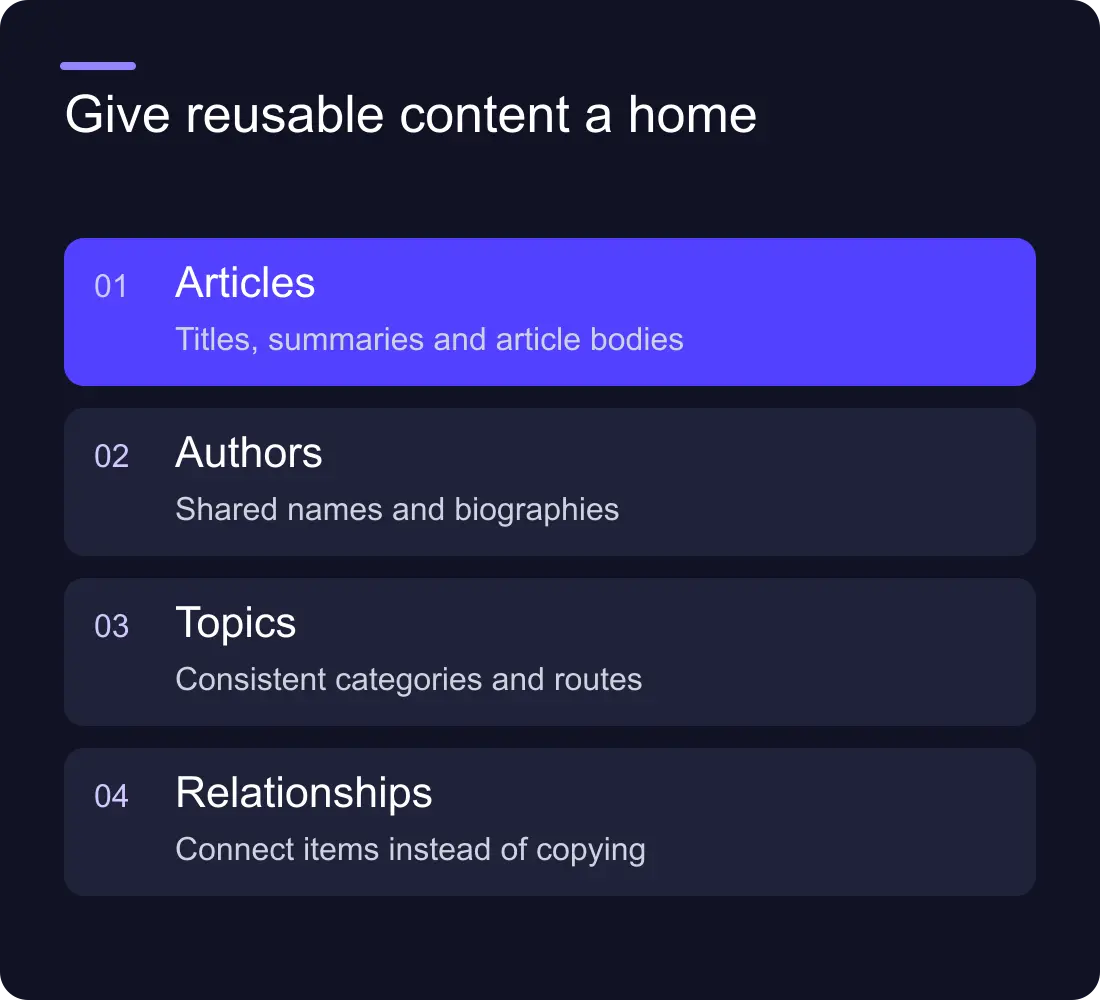
A worked model for a small resource library
Imagine a fictional consultancy with articles, case studies and downloadable guides. It wants topic landing pages and a consistent author profile.
| Content type | Core information | Relationships |
|---|---|---|
| Article | Title, summary, body, dates, cover | Author, primary topic, related resources |
| Case study | Client context, problem, work, evidence | Industry, services, relevant resources |
| Guide | Title, description, file or destination | Topic, author or owning team |
| Author | Name, role, biography, image | Referenced by authored resources |
| Topic | Name, slug, description | Referenced by articles and guides |
The point is not to adopt this model unchanged. The point is to give reusable information a single home. If the consultancy only ever publishes articles, the extra guide Collection may create needless complexity.
Webflow's Reference field documentation describes connecting an item to another Collection. Its Collection field guide covers the available field types. Match relationships to the current platform rather than assuming every database pattern transfers directly.
Give each field one clear job
A title identifies the item. A summary helps someone decide whether to read it. An SEO description describes the page for search presentation. A cover alternative text describes a meaningful image. These fields can share wording occasionally, but they serve different purposes.
Avoid fields such as Extra Text 2 or Optional Content that mean different things on different pages. Prefer names such as Customer Context or Availability Note. Include a short editorial instruction when the expected content is not obvious.
Mark a field required when its absence makes the page misleading or unusable. Do not mark every cosmetic field required just to make the editor interface look complete. Too many mandatory fields encourage filler and slow useful updates.
Make empty content an explicit design case
Create a test item with no testimonial, no related resource and a long title. Check that the page still reads naturally. Conditional sections should close the gap rather than leave an empty heading or a lonely decorative border.
Then create an item with the maximum realistic content: several related resources, long names and a detailed summary. Test mobile layouts and keyboard navigation. Publishing problems often appear at the edges of the content model rather than in the neat sample item used during design.
Keep a small collection of representative test items. They become a useful rehearsal whenever a template changes.
Protect URLs and relationships during restructuring
Changing the CMS model can change more than the editor interface. Moving an article between Collections can alter its route. Renaming a category may change a filter or a topic URL. Removing an author can leave an incomplete byline.
Before restructuring, export the current content and build a URL map. Separate editorial labels from public slugs where possible. Check inbound links, redirects and references after the move.
Use the same discipline as a website migration. A cleaner Collection list is not a successful change if existing visitors land on missing pages. Our Webflow redirects guide explains the URL mapping work that should accompany a structural change.
Run an editor acceptance test
Ask someone who did not design the system to publish a realistic article. Give them the text and images, but do not explain the editor interface while they work. Observe where they hesitate and what they accidentally omit.
They should be able to select the correct topic, add a meaningful image description, preview the page and understand what publication changes. If they need to edit layout classes or copy a hidden HTML fragment for every post, simplify the workflow.
Document the smallest useful set of rules: which fields are required, image expectations, URL changes and who approves publication. A short guide tied to actual tasks is more useful than an enormous manual nobody opens.
Frequently asked questions
What is a Webflow CMS content model?
It is the structure of your Collections, fields and relationships. It determines how information is stored, reused and published, rather than just how one page looks.
Should every website section be a CMS Collection?
No. Create Collections for information with a reusable identity or publishing lifecycle. Static design elements and one-off decorative sections often do not need independent CMS items.
When should we use a Reference field?
Use a Reference field when one item needs to relate to an item in another Collection, such as an article's author. Confirm whether the relationship is singular or needs multiple selections before choosing the field type.
Can we change the CMS model after launch?
Yes, but plan the content export, relationships, public URLs and redirects first. Test representative items and an editor's normal publishing tasks before replacing the existing structure.











































