
A B2B website can receive enquiries without generating the right opportunities. Visitors may misunderstand the service, submit an incomplete brief or book a call for work the business does not offer. Improving lead generation means improving that journey, not simply adding more buttons.
Start with the enquiries the team already receives. Read the questions, compare them with the pages people visit and identify where the website leaves important decisions unclear. A smaller number of suitable conversations can be more useful than a larger pile of form submissions.
Define what a useful enquiry contains
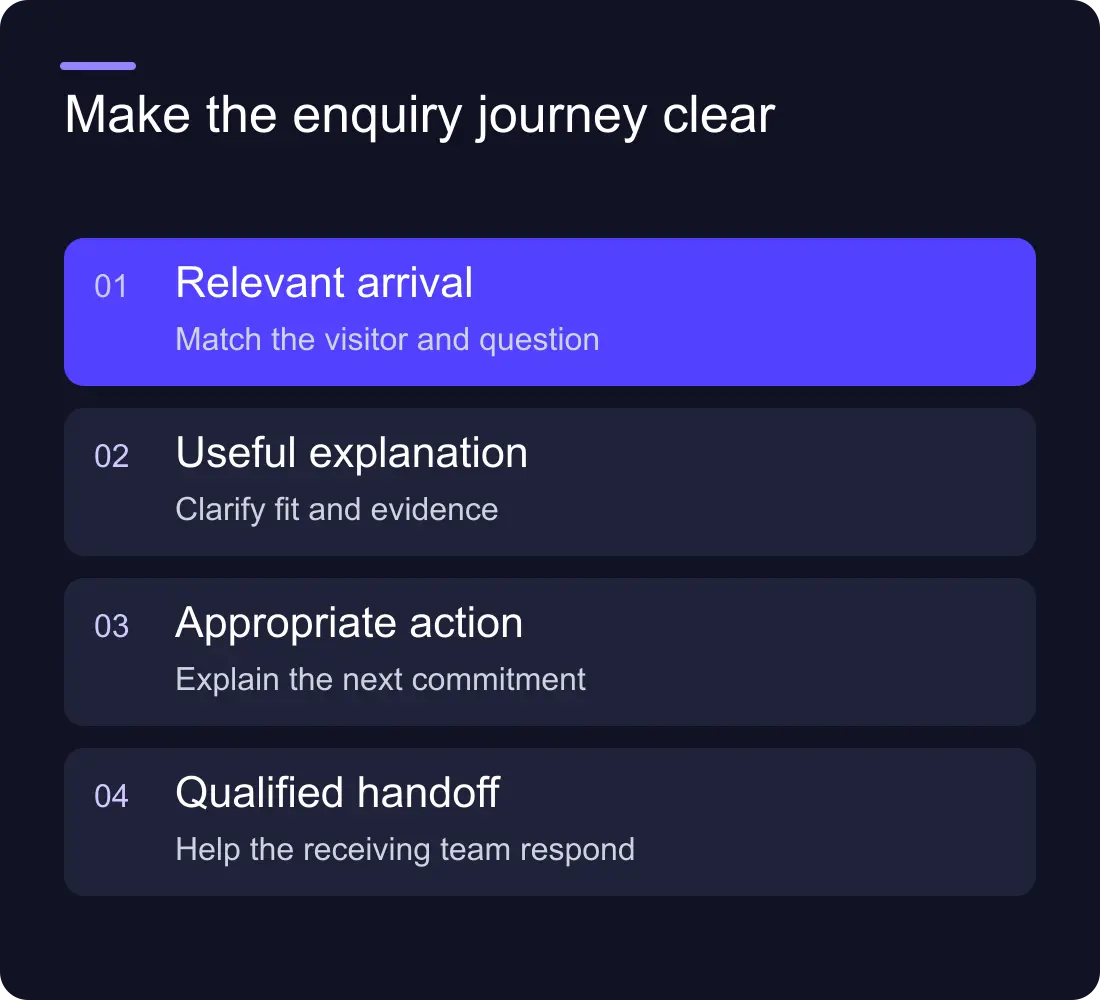
Agree what the team needs to decide the next step: requested service, business context, contact details and the main constraint. Avoid creating a rigid score that rejects people because they did not describe their project in your preferred language.
Record the difference between a contact, a qualified conversation and an opportunity. If analytics counts every contact-page visit as a lead, the dashboard cannot tell you whether the form or sales process is working.
Use available data carefully. If conversion tracking is incomplete, make that a measurement task before claiming that a design change improved pipeline.
Make the offer understandable before the form
Review the opening of each service page. It should explain what the business provides, who it suits and what the visitor can do next. A visual slogan can give the site character, but someone arriving from search still needs a recognisable service.
Show useful scope: what is included, what changes the project size and what the client must supply. Mention boundaries where they affect a decision. A clear explanation can prevent unsuitable enquiries without making the page feel unwelcoming.
Link to the appropriate deeper guide. A buyer comparing platforms may need the comparison before they are ready to discuss a build. A team planning a move may need the redesign SEO guide.
Put credible evidence near the decision
Use real work with an explanation of what was delivered. A beautiful screenshot shows design quality, but the accompanying copy should identify the scope. An attributed testimonial should relate to the service the page offers.
Do not invent traffic improvements or revenue figures because a case-study template has a metrics section. If you cannot support a result, explain the problem, implementation and responsibilities instead.
Address common objections with specific answers. Who owns the accounts? How does the team publish after launch? What happens if the scope changes? These details often matter more than a row of generic claims about being innovative.
Make the next step fit the visitor's readiness
Use one clear primary action and a useful secondary route. A visitor with a brief can contact the team; someone still researching can view relevant work or read a guide. Repeating a call-booking button after every paragraph can interrupt the information they need to decide.
Explain what happens after submission. Name the kind of response the team will provide and any agreed expectations. Do not promise an immediate consultation if the system actually sends the request to an unmonitored inbox.
If you offer a calendar, check the route from page to available slot and confirmation. If you use a chatbot, make sure a person can still reach the conventional contact route.
Ask useful form questions
Collect enough context to help the response without turning the form into a procurement exercise. Test which fields are essential. A budget range can help scoping, but provide a way to say it is not yet set.
Use readable labels and examples where they reduce uncertainty. “Tell us what you are planning” invites a useful description. A required field called “requirements” can be less clear to someone early in the process.
Check validation, keyboard use, mobile controls and the success message. Then check the downstream route. The Webflow form automation guide covers ownership and failed submissions.
Review quality and change one meaningful part
Track the source page, relevant journey events and enquiry outcome within the limits of your measurement setup. Combine the numbers with the team's review of actual messages.
Choose a concrete change: clearer service scope, a relevant project near the form or fewer unnecessary fields. Record the change and compare a sensible period after it. Small samples and changing campaigns make precise causal claims difficult, so explain what the evidence does and does not show.
Should we gate every guide to collect leads?
Only when the value and follow-up justify the friction. A freely available guide can help someone understand the service and choose to contact you later. An email address is not automatically a qualified opportunity.
Is more traffic the first priority?
Check that the offer, evidence and enquiry route work first. More visits amplify the existing journey, including its confusing parts.
Explore Hilvy's SEO and conversion work, see recent projects, or use the website brief template to clarify the offer and next step.











































