
A low-volume B2B website has a different chat problem from a large online retailer. You may receive a few important enquiries rather than hundreds of repetitive support questions. In that situation, the value of chatbot vs live chat depends on whether the experience helps people reach a useful conversation.
Start with the questions visitors ask and the team's availability. A chatbot can offer bounded answers when nobody is online. Live chat can provide judgement and continuity when someone can actually respond. A clear contact form may remain the best option for a complex brief.
Count the questions, not only the visits
Review recent enquiries, support messages and sales conversations. Identify recurring questions that the website should answer directly. If people repeatedly ask what a service includes, improve the service page before using chat to explain missing content.
Separate quick questions from project discussions. “Do you work with our platform?” can have an approved answer. “How should we reorganise our product?” may need context and a person. A single chat tool does not need to handle both in the same way.
Record the time of day and the effort involved. A team that receives three complex enquiries a week may gain more from better briefs than from a widget designed to reduce high-volume support.
Evaluate live chat against real staffing
Live chat is useful when someone can answer within the expectations the interface creates. Name the owner, coverage and fallback. If the tool says the team is available while every person is in a meeting, it can disappoint visitors more than a straightforward form.
Choose how conversations move between people. Keep context available within your data policy and let the visitor know when the conversation becomes an asynchronous reply. Avoid forcing them to repeat the request through a second channel.
Account for interruption costs. The person answering chat may also be delivering client work. A small business needs a realistic coverage arrangement, not an always-on badge without a staffing plan.
Give a chatbot a narrow useful role
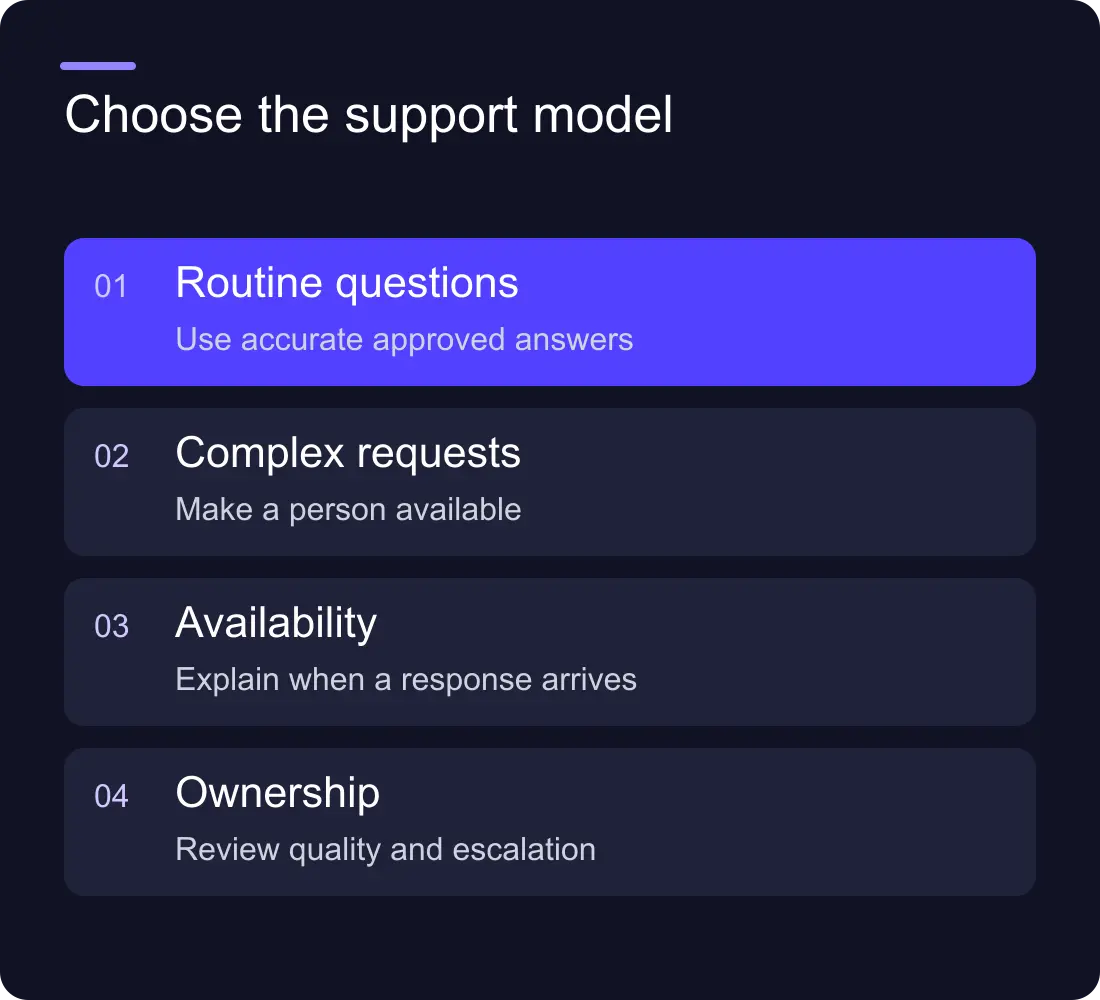
A bot can point to approved resources, explain a service boundary or collect information for a handoff. It needs current source content, clear permissions and an owner who reviews the conversations.
Test the point at which it should stop answering. Missing information, bespoke pricing and a request for a person should have a useful route. Do not let it manufacture an answer merely to avoid saying that the team needs to review the question.
The Webflow chatbot guide covers installation, accessibility and handoff. The AI agent vs chatbot comparison explains why the product label is less important than its actions and access.
Compare three journeys
| Journey | Useful when | Main ownership question |
|---|---|---|
| Contact form | A brief needs considered review | Who receives and responds? |
| Live chat | A person can resolve questions while online | Who covers it and how is context handed over? |
| Bounded chatbot | Repeated questions have approved answers | Who maintains content and reviews failures? |
You can combine them, but avoid creating three competing routes with unclear expectations. A chatbot that hands off to a form should preserve useful context rather than treating the form as a fresh start.
Test the interface before measuring its value
Check the open widget on a phone. It should not hide navigation, the contact button or cookie controls. Test keyboard access, dismissal, readable text and the route to a person.
Submit synthetic questions and confirm the receiving record. Then test the unavailable-team message and an integration failure. A polished conversation is incomplete if the request never reaches the business.
Measure resolved questions, useful handoffs and staff time. Conversation length and message count can reward unnecessary exchanges. At low volume, read the cases individually and avoid confident percentage claims from a handful of events.
Make the buying decision with a small pilot
Choose one page or question set, agree a review period and record what success means. Include subscription costs, setup, content maintenance and staffing. Keep the existing contact route available during the pilot.
If the main improvement comes from rewriting a page, keep that improvement even if you stop the chat tool. The goal is a clearer customer journey, not keeping a subscription because it took time to install.
Should we run live chat outside working hours?
Only with actual coverage or an honest asynchronous message. Explain when and how the visitor will hear back rather than pretending a person is online.
Can a chatbot qualify leads for us?
It can gather defined information and support a handoff. Use caution with inferred suitability or urgency, especially when the message is incomplete. Keep the original enquiry and let the team review important decisions.
Explore Hilvy's live-chat integrations, website services and enquiry-quality guide.











































