
A B2B website redesign needs decisions about the business, content and ownership before it needs a polished homepage. This checklist follows the whole project, from the brief to the first review after launch.
Use it as a responsibility map. Each item needs an owner, an agreed result and a place to record the evidence. A checked box should mean the team can inspect what was done.
Define the reason for the redesign
Name the problem: unclear positioning, an outdated offer, difficult publishing, unsuitable enquiries or technical constraints. Record the evidence available and distinguish it from preferences about appearance.
Agree the primary audience and next step. Identify secondary needs without making every page serve every visitor. Use the website brief template to document the offer, goals, scope and approvals.
Checklist:
- Business problem and audience recorded.
- Outcomes defined with a trustworthy baseline where available.
- Budget and fixed dates explained.
- Scope owner and approvers named.
- Existing strengths worth retaining identified.
Audit pages and evidence
Inventory the URLs, content, images, downloads and integrations. Add available search and conversion data. Record which pages should stay, improve, merge or retire, with reasons.
Gather real project scope and permitted testimonials. If a case study lacks measurable results, explain the work accurately rather than filling a metrics section with estimates.
Check whether the brand inputs are ready. A refresh or rebrand can change the content and design scope. Make that decision early enough to avoid rebuilding shared components later.
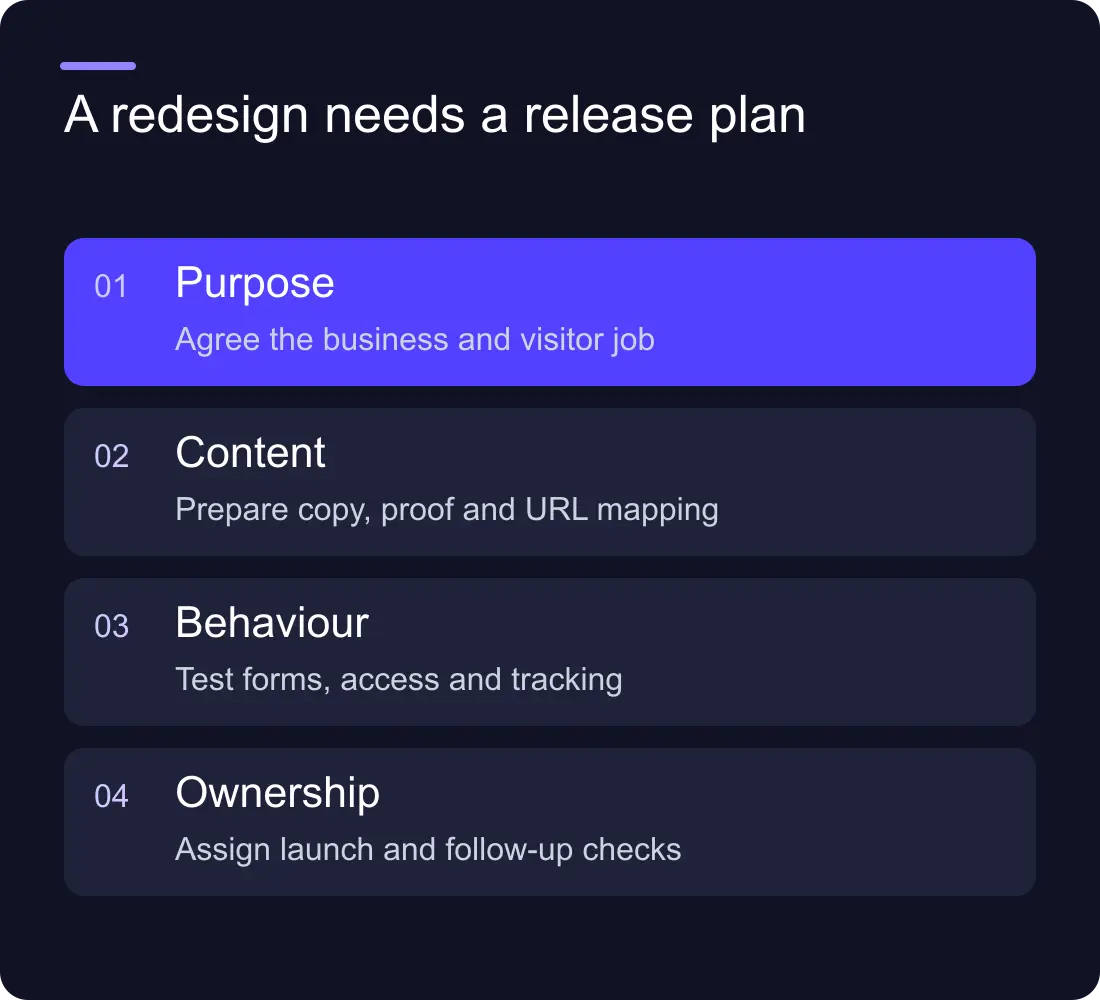
Plan the content and page structure
Give each page a clear question and next step. Decide who writes, reviews and supplies the assets. Define CMS collections around what the team needs to publish, not only the current set of pages.
Write the important service explanations before approving the final layouts. Real copy reveals whether the structure works; placeholder text can conceal missing scope or a weak hierarchy.
Checklist:
- Page map and content owners approved.
- Core service copy and evidence available.
- CMS fields and editor responsibilities defined.
- Established search URLs preserved where possible.
- Internal-link routes planned.
Review the design as a working journey
Check the homepage, a service, a project, an article and contact. The system should work across these different needs, not only on the most expressive page.
Review responsive behaviour, readable text, image crops and interaction states. Confirm keyboard use, focus, form labels and alternatives to essential visual information. At larger text sizes, controls and content should remain usable.
Keep performance decisions visible. Large images, video and third-party widgets need a purpose and a sensible loading strategy. A beautiful design that delays the main content can weaken the experience it was intended to improve.
Test implementation and integrations
Use representative content, including long headings and missing optional fields. Test forms with synthetic data and confirm the record, notification and owner. Check the failure route as well as a perfect submission.
Verify titles, canonicals, sitemap entries and redirect destinations on the published environment. Use the redesign SEO plan when addresses change.
Checklist:
- Pages and templates show the intended content.
- Forms, calendars and connected systems tested.
- Metadata and indexing decisions checked.
- Redirect map backed up and verified.
- Mobile and keyboard journeys reviewed.
- Known limitations recorded with owners.
Launch with a handover and a review plan
Give the business account access, publishing guidance and a short recovery procedure. Identify the person responsible for hosting, content and integrations. These may be different people.
Record the publication time and meaningful changes. After launch, check the important URLs and enquiry route again. Review search and conversion data over a sensible period, acknowledging sample size and tracking limitations.
Keep a prioritised post-launch list. Separate genuine defects from new ideas and agree how each will be handled. This makes the support arrangement easier to manage and prevents a launch from becoming an undefined permanent project.
What usually causes a redesign to run late?
Unresolved content, brand decisions, integration requirements and approvals can all delay the work. Make them explicit in the brief and keep dependencies visible rather than treating every delay as a development problem.
Is the project finished when the site goes live?
The launch is a major milestone. Handover, live checks and the agreed review still matter. Define those deliverables in the scope so both teams know what completion means.
See Hilvy's website services, recent work or send your brief.











































